What Is a Website? A Beginner-Friendly Guide (2026)
Introduction
If you’ve ever searched something on Google, watched a video, or shopped online, you’ve already used a website. But what exactly is a website—and how does it work?
This guide breaks down the concept in simple terms. Whether you’re starting a blog, building a business, or just curious, you’ll learn what a website is, how it functions, and the easiest ways to create one in 2026.
We’ll also look at modern tools like Wix and Squarespace, which have made website creation more accessible than ever.
What Is a Website?
A website is a collection of web pages that are accessible through the internet under a single domain name.
For example:
- Google.com
- YouTube.com
- Your future website
Each website contains content such as text, images, videos, or interactive elements.
Simple Definition:
A website is your digital space on the internet where people can find information, services, or products.
How Does a Website Work?
To understand websites, you need to know three basic components:
1. Domain Name
This is your website’s address (e.g., yourbusiness.com). It’s what users type into their browser.
2. Web Hosting
Hosting is where your website’s files are stored. Think of it as renting space on the internet.
3. Website Files
These include:
- Text content
- Images and videos
- Code (HTML, CSS, JavaScript)
When someone enters your domain:
- Their browser sends a request
- The hosting server responds
- The website loads on their screen
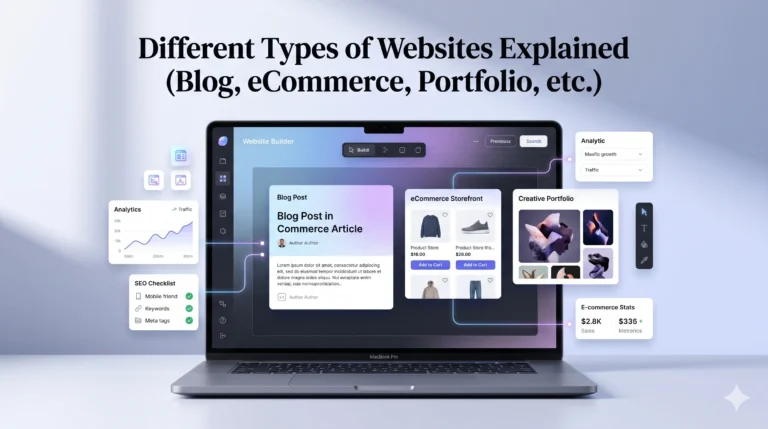
Types of Websites
Not all websites are the same. Here are the most common types:
1. Business Websites
Used to promote services or companies.
2. eCommerce Websites
Sell products online (e.g., online stores).
3. Blogs
Focus on content, articles, or personal writing.
4. Portfolio Websites
Showcase work (designers, photographers, freelancers).
5. Educational Websites
Provide learning materials or courses.
Why Do You Need a Website in 2026?
Having a website is no longer optional for many people. It offers real advantages:
Key Benefits:
- Online presence (available 24/7)
- Credibility for businesses
- Global reach
- Control over your content
- Opportunities to earn money
Real-World Use Cases:
- A freelancer showcasing work
- A small business attracting customers
- A student building a personal brand
- A blogger earning through ads or affiliates
Ways to Create a Website
There are three main ways to build a website:
Coding from Scratch
- Requires technical knowledge
- Full control
- Time-consuming
Content Management Systems (CMS)
Example: WordPress
- Flexible
- Requires some learning
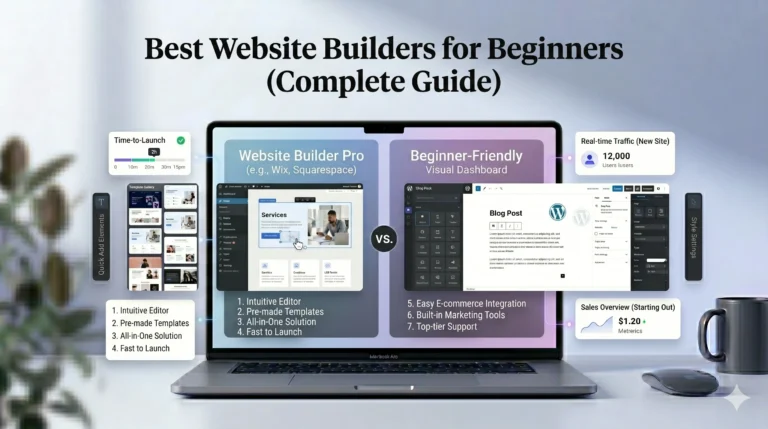
3. Website Builders (Most Beginner-Friendly)
Tools like Wix and Squarespace allow you to build websites without coding.
What Is a Website Builder?
A website builder is a platform that helps you create a website using drag-and-drop tools, templates, and built-in features.
Key Features:
- No coding required
- Ready-made templates
- Built-in hosting
- SEO tools
- Mobile optimization
Advantages and Disadvantages of Website Builders
Pros:
- Easy to use
- Fast setup
- All-in-one solution
- Beginner-friendly
Cons:
- Less flexibility than coding
- Monthly cost
- Platform limitations
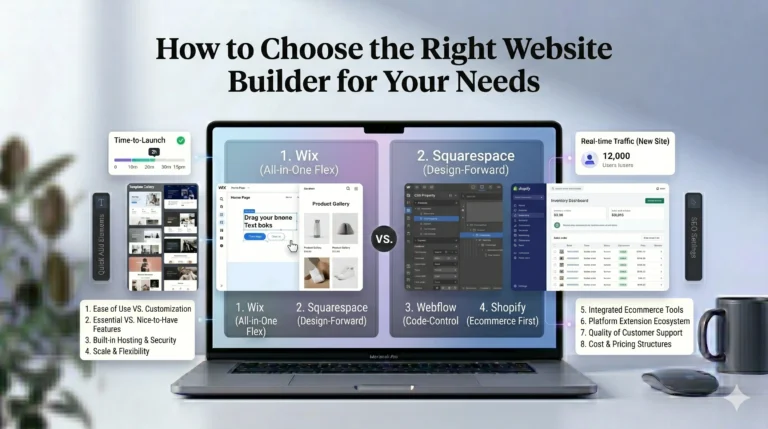
Wix vs Squarespace: Quick Comparison
If you’re starting out, two of the most popular platforms are Wix and Squarespace.
| Feature | Wix | Squarespace |
|---|---|---|
| Ease of Use | Very beginner-friendly | Slight learning curve |
| Design Flexibility | Highly customizable | Structured, polished designs |
| Templates | 800+ templates | High-quality minimal designs |
| SEO Tools | Strong | Strong |
| Best For | Beginners, small businesses | Creatives, portfolios |
How to Create a Website (Step-by-Step)
Here’s a simple process anyone can follow:
Step 1: Choose Your Website Type
Decide if it’s a blog, business, or store.
Step 2: Pick a Platform
Use a builder like:
- Wix (easy and flexible)
- Squarespace (design-focused)
Step 3: Select a Template
Choose a design that matches your goal.
Step 4: Customize Your Site
Add:
- Text
- Images
- Pages (Home, About, Contact)
Step 5: Publish Your Website
Connect a domain and go live.
Actionable Tips for Beginners
- Start simple—don’t overcomplicate design
- Focus on clear navigation
- Use high-quality images
- Write helpful, original content
- Optimize for mobile users
- Learn basic SEO
Who Should Use This?
This guide is useful for:
- Beginners who don’t know where to start
- Small business owners
- Freelancers and creatives
- Students building portfolios
- Anyone exploring website creation
FAQs
What is a website in simple words?
A website is a collection of online pages that people can access using the internet.
Do I need coding skills to create a website?
No. Tools like Wix and Squarespace allow you to build websites without coding.
How much does it cost to create a website?
It depends:
- Free plans (limited features)
- Paid plans ($10–$30/month typical range)
Which is better: Wix or Squarespace?
It depends on your needs:
- Wix = flexibility + ease
- Squarespace = design + simplicity
Can I make money from a website?
Yes, through:
- Ads
- Affiliate marketing
- Selling products or services
Final Verdict
Understanding what a website is is the first step toward building your online presence. In 2026, creating a website is no longer limited to developers—it’s accessible to anyone.
If you’re a beginner, website builders like Wix and Squarespace offer practical, user-friendly solutions to get started quickly.
The key is not just building a website—but building one that is useful, clear, and focused on your audience.
Start simple, stay consistent, and improve over time.