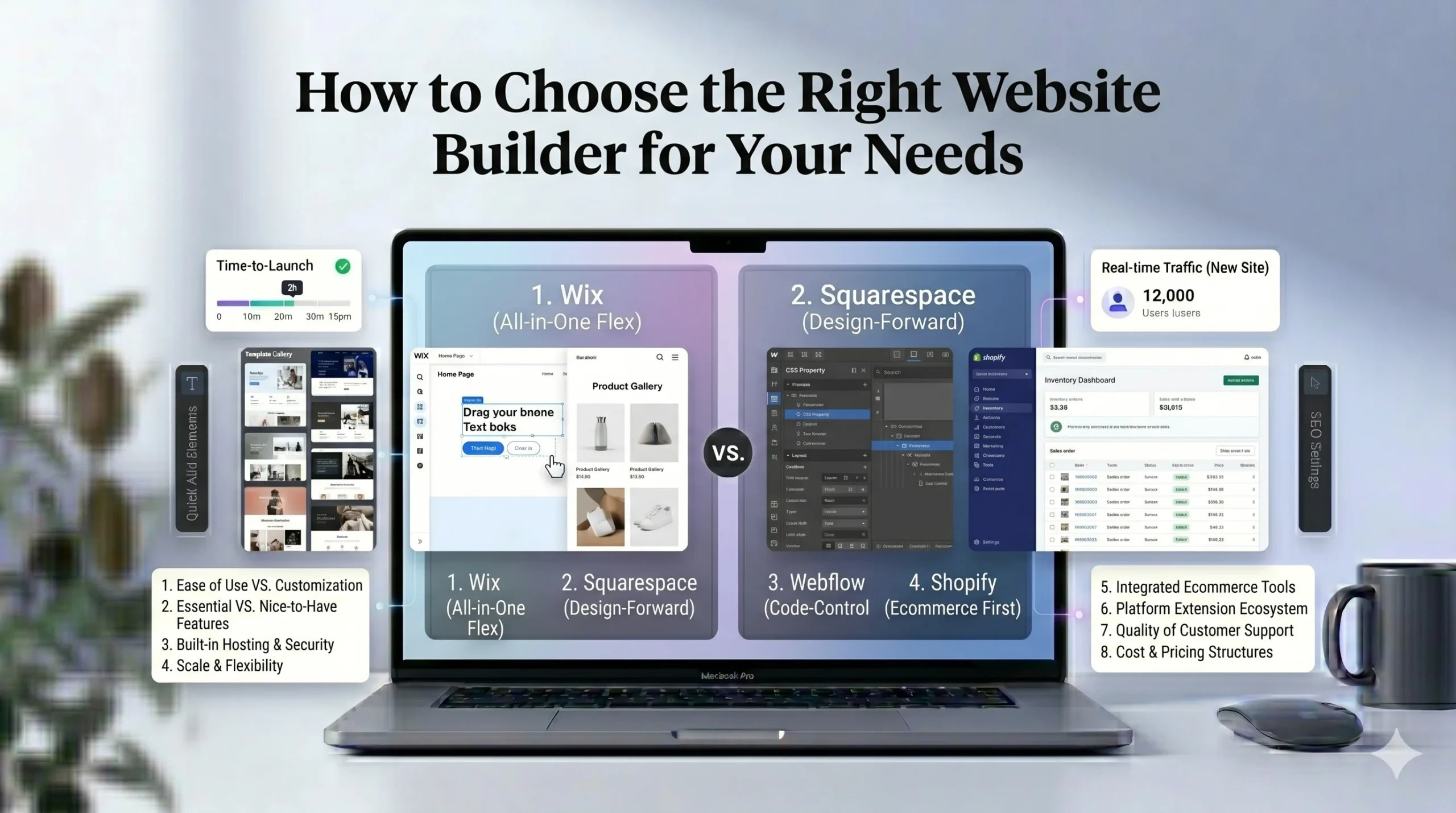
How to Choose the Right Website Builder for Your Needs
Building a website has become much more accessible over the past few years. Modern website builders allow beginners and small businesses to create professional websites without coding knowledge or complex technical setup.
However, choosing the right platform can still be difficult. Different website builders focus on different strengths. Some prioritize design flexibility, while others focus on simplicity, ecommerce tools, or visual presentation.
For beginners, the challenge is not just finding the “best website builder,” but finding the one that best fits their specific goals and experience level.
This guide explains how to choose the right website builder for your needs by comparing key features such as ease of use, templates, pricing, SEO tools, customization, and ecommerce capabilities. We’ll also explore how platforms like Wix and Squarespace differ so you can make a more informed decision.
Why Choosing the Right Website Builder Matters
A website builder affects more than just how your website looks. It can influence:
- Ease of editing
- Site performance
- SEO capabilities
- Ecommerce functionality
- Long-term scalability
- Maintenance requirements
Switching platforms later can sometimes be time-consuming, so choosing carefully from the beginning can save effort over time.
Understand Your Website Goals First
Before comparing platforms, it’s important to identify what type of website you want to create.
Common Website Types
Different website builders are optimized for different use cases:
- Personal blogs
- Business websites
- Online stores
- Portfolio websites
- Landing pages
- Service-based websites
A platform that works well for a portfolio may not be ideal for a large ecommerce store.
Questions to Ask Yourself
Before choosing a website builder, consider:
- Do you need ecommerce features?
- Will you publish blog content regularly?
- How important is design flexibility?
- Do you want advanced customization?
- Are you comfortable with technical setup?
- What is your budget?
Your answers will help narrow down suitable options.
Ease of Use
For most beginners, ease of use is one of the most important factors.
A complicated platform can slow down website creation and make long-term management more difficult.
Drag-and-Drop Editors
Many modern website builders use drag-and-drop editing systems. These allow users to visually place elements on a page without coding.
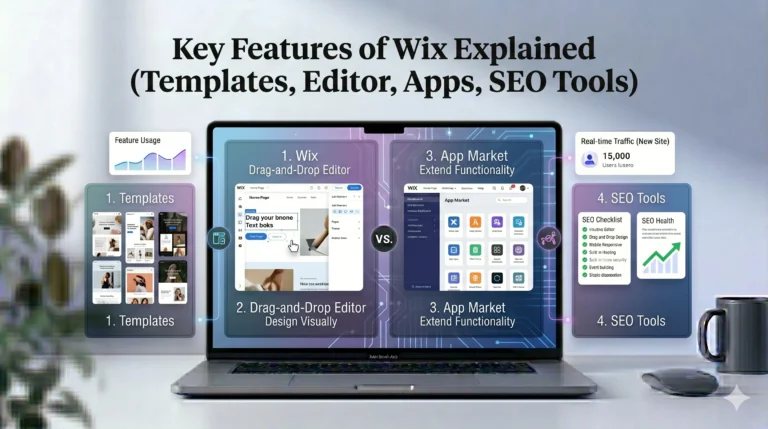
Wix is known for offering a highly flexible drag-and-drop editor that gives users significant creative control.
Advantages include:
- Visual editing
- Fast page creation
- Beginner-friendly interface
- Minimal technical learning
However, greater flexibility can sometimes make layouts harder to manage consistently.
Structured Editors
Squarespace uses a more structured editing approach.
This can help maintain cleaner layouts and visual consistency, especially for beginners who prefer guided design systems.
Advantages include:
- Consistent design structure
- Clean visual presentation
- Easier layout management
The tradeoff is slightly less design freedom compared to Wix.
Templates and Design Quality
Templates are important because they determine how quickly you can build a professional-looking website.
Most website builders offer pre-designed templates for:
- Businesses
- Blogs
- Ecommerce stores
- Portfolios
- Restaurants
- Service providers
Wix Templates
Wix offers a large variety of templates across many industries.
Benefits:
- Wide selection
- Flexible customization
- Industry-specific layouts
Potential downside:
- Too much flexibility can occasionally lead to inconsistent designs.
Squarespace Templates
Squarespace focuses on visually polished and professionally structured templates.
Benefits:
- Minimalist design
- Strong typography
- Consistent layouts
Potential downside:
- Less editing freedom than Wix.
Website Builder Comparison: Wix vs Squarespace
| Feature | Wix | Squarespace |
|---|---|---|
| Editing Style | Drag-and-drop | Structured editor |
| Design Flexibility | High | Moderate |
| Templates | Large library | Curated professional templates |
| Ecommerce Tools | Strong | Strong |
| SEO Features | Beginner-focused tools | Built-in SEO settings |
| Blogging | Good | Excellent |
| Best For | General websites | Creative projects |
Pricing and Budget Considerations
Pricing is another important factor when choosing a website builder.
Most platforms use monthly or yearly subscription plans that include:
- Hosting
- Security
- Templates
- Support
- Core features
What Affects Pricing?
Costs often increase depending on:
- Ecommerce features
- Storage limits
- Marketing tools
- Premium templates
- Advanced analytics
Beginners should evaluate whether premium features are truly necessary before choosing higher-tier plans.
Free Plans vs Premium Plans
Some website builders offer free plans, but these usually include:
- Platform branding
- Limited storage
- Restricted features
- Subdomain URLs
Premium plans are generally better for professional websites.
SEO Features
SEO (Search Engine Optimization) helps websites appear in search results.
While beginners often focus heavily on design, SEO tools are equally important for long-term visibility.
Essential SEO Features to Look For
A good website builder should support:
- Custom page titles
- Meta descriptions
- Mobile optimization
- SSL security
- Sitemap generation
- Fast loading speeds
Wix SEO Tools
Wix includes beginner-focused SEO guidance tools that help users optimize websites step by step.
This can be especially helpful for users unfamiliar with SEO basics.
Squarespace SEO Features
Squarespace includes built-in SEO settings and clean page structures that support basic optimization.
Squarespace templates are also generally mobile responsive, which helps search visibility.
Ecommerce Features
If you plan to sell products or services online, ecommerce tools become essential.
Important Ecommerce Features
Look for features such as:
- Product management
- Payment gateways
- Mobile checkout
- Inventory tracking
- Shipping settings
- Order management
Wix Ecommerce
Wix supports ecommerce through integrated store tools and app extensions.
Suitable for:
- Small online stores
- Service businesses
- Beginners selling products online
Squarespace Ecommerce
Squarespace also provides ecommerce functionality with strong visual presentation.
Often preferred for:
- Creative brands
- Boutique stores
- Design-focused businesses
Blogging and Content Management
Content creation is important for:
- SEO
- Brand building
- Audience engagement
Both Wix and Squarespace support blogging, though the experience differs slightly.
Wix Blogging
Wix provides:
- Blog categories
- Content management tools
- SEO settings
- Social integrations
Its blogging tools are beginner-friendly and easy to manage.
Squarespace Blogging
Squarespace is often praised for:
- Clean blog layouts
- Visual presentation
- Strong typography
- Content-focused design
This makes it popular among writers and creatives.
Mobile Optimization
Most users now browse websites on mobile devices.
A good website builder should automatically optimize pages for:
- Smartphones
- Tablets
- Different screen sizes
Both Wix and Squarespace provide responsive mobile functionality, though users should still manually preview pages before publishing.
Customer Support and Resources
Beginners often underestimate the importance of customer support.
Helpful support resources may include:
- Tutorials
- Help centers
- Live chat
- Community forums
- Video guides
Good support can significantly reduce frustration during setup.
Real-World Use Cases
Choose Wix If You:
- Want flexible page editing
- Need business integrations
- Prefer creative freedom
- Want beginner-friendly tools
Choose Squarespace If You:
- Prefer polished templates
- Focus on visual presentation
- Build portfolio websites
- Want structured design systems
Actionable Tips Before Choosing a Platform
1. Start With a Trial
Most website builders offer free trials or limited free plans. Testing the interface yourself can help determine which platform feels more intuitive.
2. Prioritize Long-Term Needs
Think beyond initial setup. Consider:
- Future growth
- Content expansion
- Ecommerce plans
- SEO goals
3. Avoid Overcomplicating Design
Beginners often add too many visual elements. Simpler layouts usually improve readability and user experience.
4. Compare Feature Limits
Not all plans include the same features. Always review:
- Storage
- Bandwidth
- Ecommerce capabilities
- Marketing tools
Who Should Use These Platforms?
Wix Is Best For:
- Beginners
- Freelancers
- Small businesses
- Service-based websites
- Flexible custom layouts
Squarespace Is Best For:
- Designers
- Photographers
- Creative professionals
- Bloggers
- Portfolio websites
Frequently Asked Questions
What is the easiest website builder for beginners?
Wix is often considered one of the easiest platforms because of its drag-and-drop editor and guided setup tools.
Is Squarespace better than Wix?
It depends on your needs. Wix offers greater flexibility, while Squarespace focuses more on polished design and structured layouts.
Do I need coding skills to use website builders?
No. Most modern website builders are designed for users without coding experience.
Which website builder is best for SEO?
Both Wix and Squarespace include useful SEO features. Success depends more on content quality and optimization strategy than the platform alone.
Can I switch website builders later?
Yes, but migration can require additional work. It’s usually easier to choose carefully from the beginning.
Final Verdict
Choosing the right website builder depends on your goals, technical comfort level, and preferred design experience.
Wix is a strong choice for users who want editing flexibility, beginner-friendly tools, and broad functionality across different website types.
Squarespace may be more suitable for users who prioritize visual presentation, structured layouts, and clean design aesthetics.
Rather than searching for a universally “best” website builder, it’s more useful to focus on finding the platform that aligns with your specific needs, workflow, and long-term website goals.