Key Features of Wix Explained (Templates, Editor, Apps, SEO Tools)
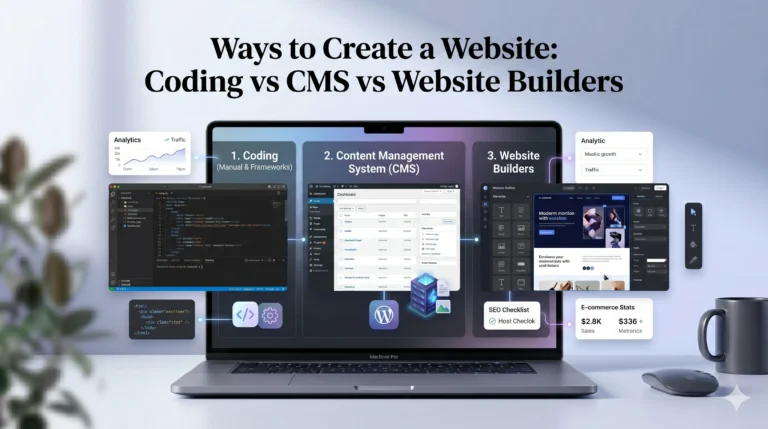
When choosing a website builder, most users want a platform that is easy to use, flexible enough to grow with their needs, and capable of creating a professional-looking website without requiring coding skills. This is where website builders like Wix and Squarespace often enter the conversation.
Wix has become one of the most widely used website builders because of its drag-and-drop flexibility, large template library, and extensive app marketplace. At the same time, some users prefer Squarespace for its structured design system and polished templates.
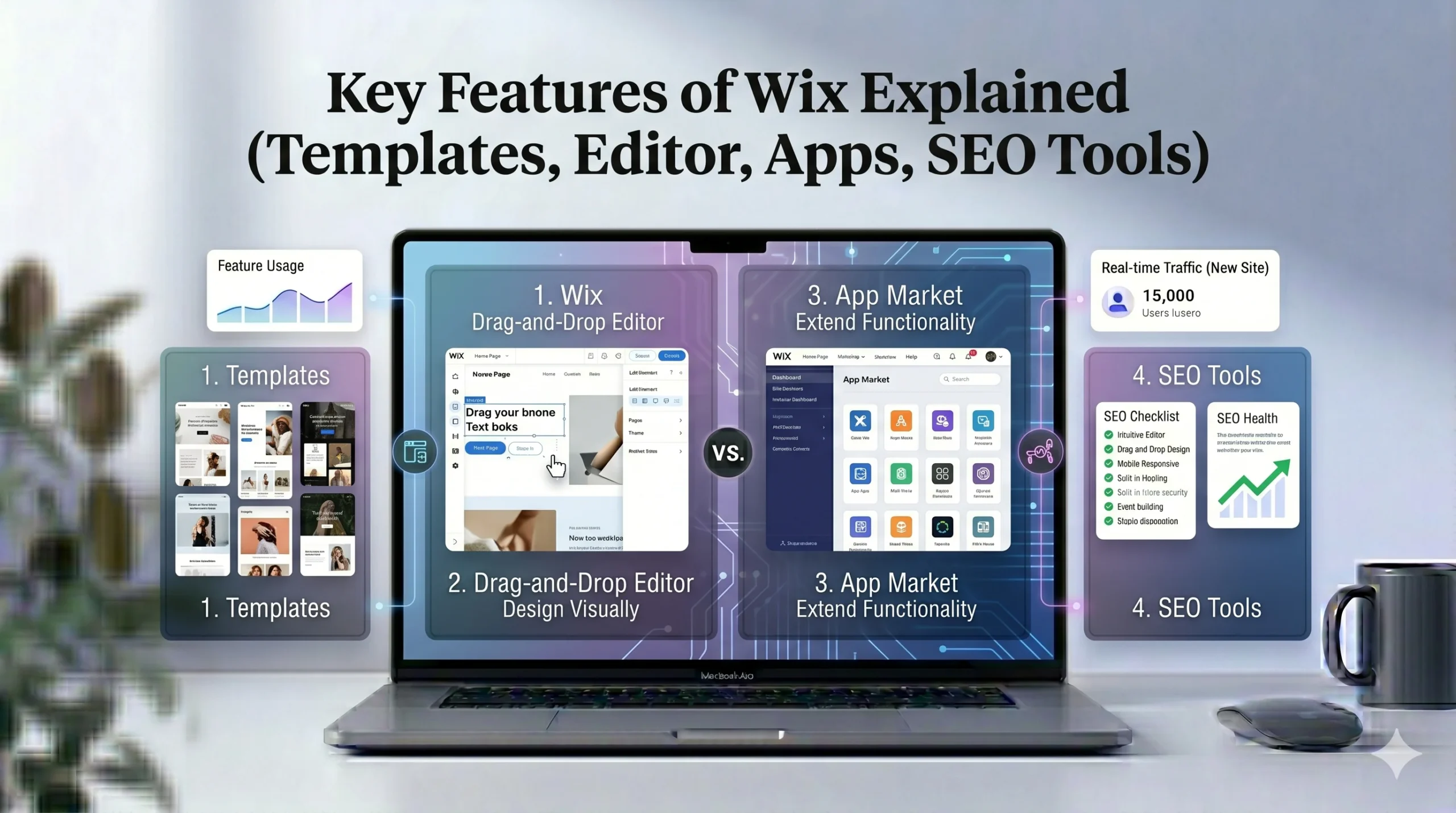
In this article, we will explain the key features of Wix in detail, including its templates, website editor, apps, and SEO tools. We will also compare Wix vs Squarespace where relevant so readers can make a more informed decision based on their goals and experience level.
What Is Wix?
Wix is a cloud-based website builder designed to help individuals, freelancers, small businesses, bloggers, and online stores create websites without coding knowledge.
The platform offers:
- Drag-and-drop website editing
- Hundreds of templates
- Built-in SEO tools
- Ecommerce features
- Marketing integrations
- App extensions
- Hosting and security
Wix is often considered a beginner-friendly website builder because users can visually design pages instead of writing code manually.
Wix Templates Explained
One of the biggest reasons users choose Wix is its large template collection.
Large Template Library
Wix provides more than 800 professionally designed templates covering different industries and use cases, including:
- Business websites
- Restaurants
- Portfolios
- Blogs
- Online stores
- Photography
- Fitness
- Consulting
- Events
This variety makes it easier for beginners to start with a design that already matches their niche.
Industry-Specific Design Approach
Unlike some website builders that provide only general layouts, Wix organizes templates by category. This helps users find designs optimized for their business type.
For example:
- Restaurants can access menu-focused layouts
- Photographers get gallery-heavy designs
- Online stores receive ecommerce-ready templates
This reduces setup time significantly.
Template Flexibility
One advantage of Wix templates is editing freedom. Users can move elements almost anywhere on the page.
This flexibility is useful for:
- Creative portfolios
- Unique landing pages
- Personalized branding
- Custom homepage layouts
However, too much flexibility can sometimes create inconsistent layouts if beginners are not careful with spacing and alignment.
Template Limitations
There are also some drawbacks to Wix templates:
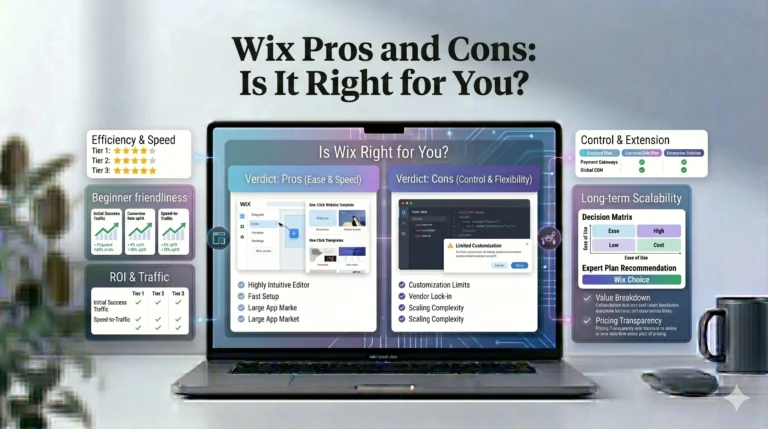
Pros
- Huge selection
- Modern visual designs
- Mobile-responsive layouts
- Suitable for many industries
Cons
- Switching templates after publishing is difficult
- Complete design freedom can overwhelm beginners
- Some templates feel visually busy
Wix Editor: Drag-and-Drop Website Building
The Wix Editor is one of the platform’s most recognizable features.
How the Wix Editor Works
The editor uses a visual drag-and-drop system. Users can click on almost any page element and customize it directly.
You can modify:
- Text
- Images
- Videos
- Buttons
- Sections
- Backgrounds
- Menus
- Animations
No coding is required for basic customization.
Beginner-Friendly Experience
Wix is designed for users with limited technical experience.
For beginners, this means:
- Easy page editing
- Visual customization
- Minimal setup barriers
- Quick website publishing
The learning curve is generally lower compared to traditional CMS platforms like WordPress.
Advanced Design Flexibility
Intermediate users often appreciate Wix because it offers more creative control than structured builders.
Examples include:
- Layer positioning
- Animation effects
- Video backgrounds
- Custom section layouts
- Advanced design spacing
This flexibility makes Wix attractive for freelancers and creatives.
Wix ADI (Artificial Design Intelligence)
Wix also offers an AI-assisted website creation system called Wix ADI.
Users answer a few questions about their business, and Wix generates a basic website automatically.
This feature can help:
- First-time website creators
- Small business owners
- Users who want faster setup
However, users seeking full customization often switch to the standard editor later.
Wix App Market
Another important feature is the Wix App Market.
What Is the Wix App Market?
The Wix App Market allows users to extend website functionality without coding.
Apps include tools for:
- Ecommerce
- Bookings
- Email marketing
- Live chat
- Forms
- Membership systems
- SEO enhancements
- Analytics
Popular Wix Apps
Some commonly used apps include:
| App Type | Use Case |
|---|---|
| Wix Stores | Ecommerce functionality |
| Wix Bookings | Appointment scheduling |
| Wix Blog | Content publishing |
| Wix Chat | Customer support |
| Wix Forms | Lead collection |
| Wix Email Marketing | Campaign management |
Third-Party Integrations
Wix also supports integrations with external tools and services.
Examples include:
- Google Analytics
- Meta Pixel
- Mailchimp
- PayPal
- Stripe
This makes Wix more scalable for growing businesses.
Pros and Cons of Wix Apps
Advantages
- Easy installation
- No coding required
- Expands website functionality
- Suitable for small businesses
Disadvantages
- Some apps require paid subscriptions
- Too many apps may affect performance
- Quality varies between apps
Wix SEO Tools Explained
SEO is one of the most important factors for website visibility.
In the past, Wix was criticized for limited SEO capabilities. However, the platform has improved significantly over the years.
Built-In SEO Features
Wix now includes several built-in SEO tools, such as:
- Editable meta titles and descriptions
- Custom URLs
- Mobile optimization
- Image alt text
- Automatic sitemaps
- SSL security
- Redirect management
These features help users follow basic SEO best practices.
Wix SEO Setup Checklist
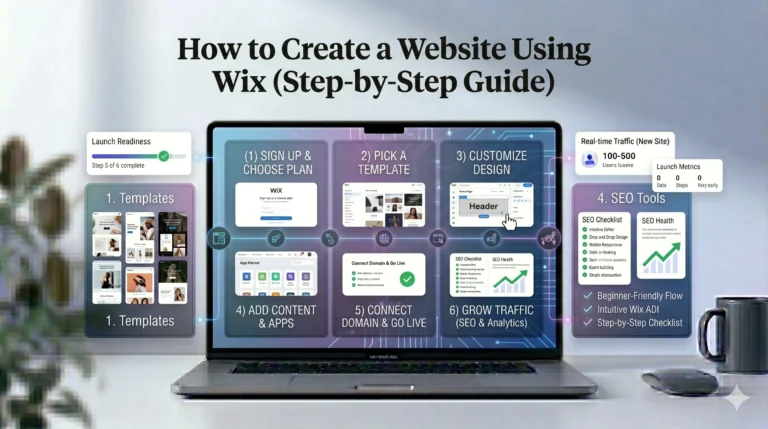
Wix includes a guided SEO setup tool that helps beginners optimize their websites.
The setup wizard provides:
- SEO recommendations
- Keyword guidance
- Indexing assistance
- Google integration steps
This can be helpful for users unfamiliar with technical SEO.
Blogging and Content Marketing
Wix also supports blogging functionality, which is important for content marketing and organic traffic growth.
Users can:
- Publish articles
- Organize categories
- Add tags
- Optimize blog posts
- Share content socially
This makes Wix suitable for small content-driven websites.
SEO Limitations
Although Wix SEO tools are solid for most users, advanced SEO professionals may still prefer more customizable platforms.
Wix SEO Pros
- Beginner-friendly setup
- Strong core SEO features
- Fast indexing support
- Integrated SEO guidance
Wix SEO Cons
- Less technical control than WordPress
- Some advanced optimization limitations
- Large websites may need more scalability
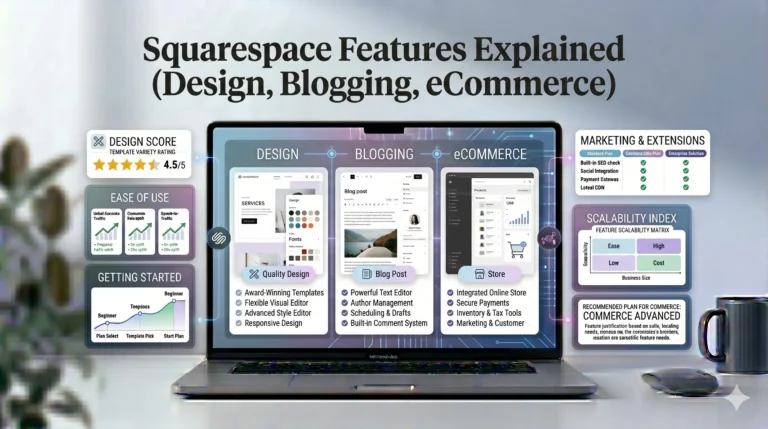
Wix vs Squarespace: Key Differences
Many users compare Wix vs Squarespace before choosing a website builder.
Here is a practical comparison.
| Feature | Wix | Squarespace |
|---|---|---|
| Ease of Use | Beginner-friendly | Slightly more structured |
| Design Flexibility | Very high | Moderate |
| Templates | 800+ templates | Smaller but polished collection |
| Editor Style | Drag-and-drop | Section-based editor |
| SEO Tools | Strong beginner SEO | Strong built-in SEO |
| Ecommerce | Good for small-medium stores | Strong visual ecommerce |
| Blogging | Good | Excellent design-focused blogging |
| App Marketplace | Large | Smaller extension ecosystem |
| Best For | Flexibility & customization | Clean professional designs |
When Wix May Be Better
Wix is often better for:
- Beginners
- Freelancers
- Small businesses
- Creative websites
- Users wanting design freedom
When Squarespace May Be Better
Squarespace is often preferred for:
- Design-focused brands
- Portfolios
- Minimalist websites
- Visual storytelling
- Users who prefer structured editing
Real-World Use Cases for Wix
Small Business Websites
Wix works well for:
- Local businesses
- Consultants
- Service providers
- Agencies
Users can quickly create contact pages, service sections, and booking forms.
Online Stores
Wix ecommerce tools are suitable for:
- Small online stores
- Handmade product sellers
- Digital products
- Boutique brands
Larger enterprise-level stores may eventually outgrow Wix, but it performs well for many small businesses.
Personal Brands and Portfolios
Creative professionals often use Wix for:
- Photography portfolios
- Resume websites
- Personal blogs
- Freelance services
The design flexibility is particularly useful here.
Actionable Tips for Using Wix Effectively
Choose a Template Carefully
Since switching templates later can be difficult, spend time selecting the right starting design.
Avoid Overdesigning
Wix allows extensive customization, but too many animations or layout changes can make websites look cluttered.
Focus on:
- Clean spacing
- Readable typography
- Consistent colors
Optimize Images
Large image files can slow websites down.
Use:
- Compressed images
- Modern formats
- Proper alt text
Use SEO Basics Early
Before publishing:
- Write page titles
- Add meta descriptions
- Optimize headings
- Connect Google Search Console
Who Should Use Wix?
Wix Is Best For
- Beginners building their first website
- Small business owners
- Freelancers
- Portfolio creators
- Bloggers
- Users wanting creative control
Wix May Not Be Ideal For
- Very large ecommerce businesses
- Developers needing deep backend customization
- Advanced SEO-heavy enterprise projects
Frequently Asked Questions
Is Wix good for beginners?
Yes. Wix is widely considered beginner-friendly because of its drag-and-drop editor and guided setup tools.
Can Wix rank well on Google?
Yes. Modern Wix SEO tools support many essential optimization practices, including metadata editing, mobile optimization, and sitemap generation.
Is Wix better than Squarespace?
It depends on user needs. Wix offers more design flexibility, while Squarespace focuses more on polished, structured layouts.
Can you build an online store with Wix?
Yes. Wix includes ecommerce tools for product listings, payments, shipping, and order management.
Does Wix require coding?
No. Most Wix features can be used without coding knowledge, although developers can add custom code if needed.
Final Verdict
Wix remains one of the most flexible and beginner-friendly website builders available today. Its large template library, drag-and-drop editor, app marketplace, and improving SEO tools make it a practical solution for many individuals and small businesses.
The platform performs particularly well for users who value creative control and ease of use. At the same time, users seeking highly structured design systems or enterprise-level scalability may prefer alternatives like Squarespace or WordPress.
For most beginners and growing businesses, Wix provides a balanced combination of usability, customization, and built-in functionality without requiring technical expertise.
Instead of choosing based on marketing claims alone, users should evaluate:
- Their technical skill level
- Website goals
- Design preferences
- SEO needs
- Growth expectations
Making an informed decision based on actual requirements will lead to a more successful website experience in the long run