Different Types of Websites Explained
Introduction
If you’re planning to build a website, one of the first questions you’ll face is: what type of website do I actually need?
Not all websites serve the same purpose. Some are designed to share information, others to sell products, and some to showcase personal work. Choosing the right type is essential because it affects your design, features, and even the platform you use.
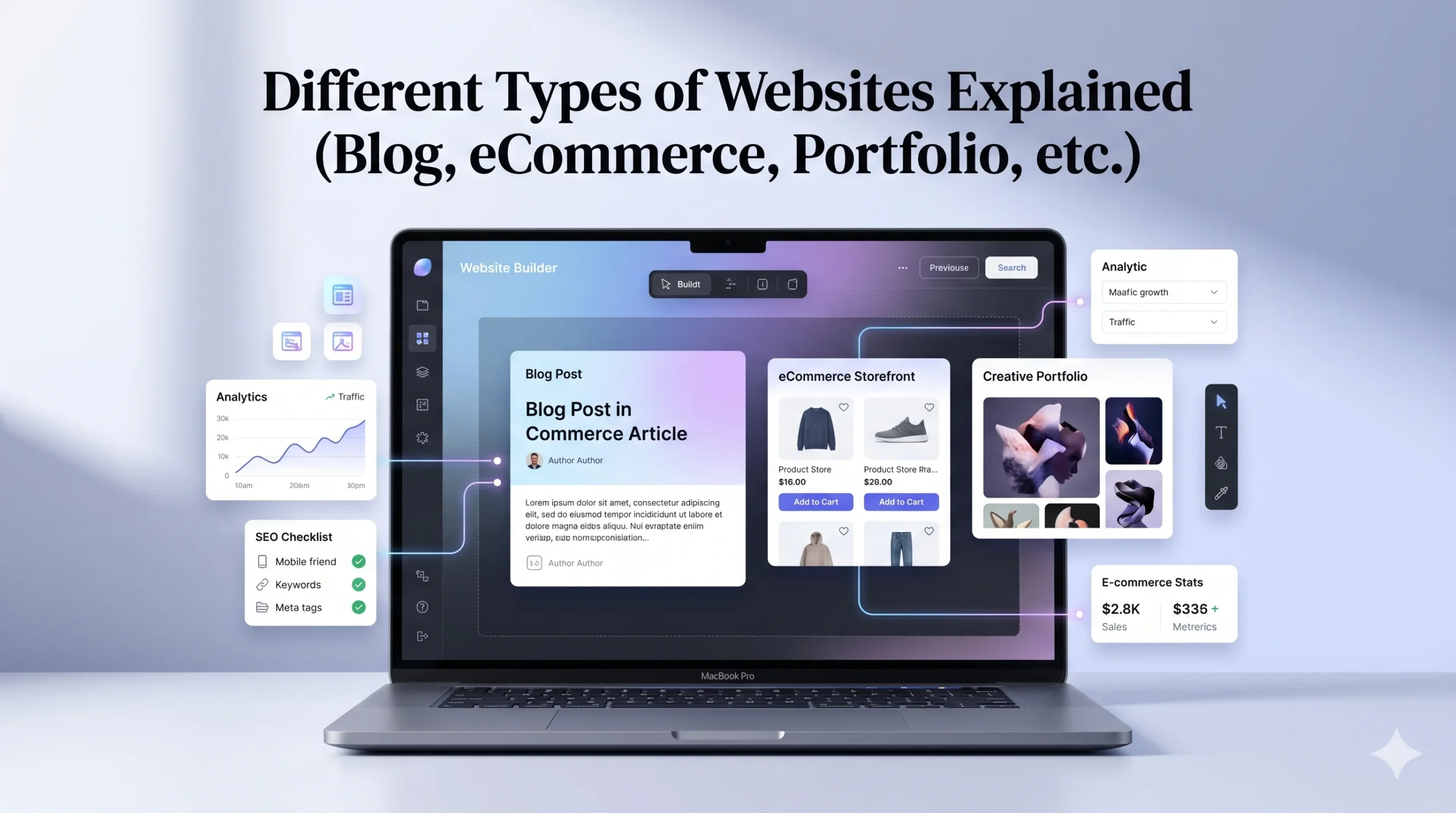
In this guide, we’ll break down the different types of websites explained (blog, eCommerce, portfolio, etc.) in simple terms. You’ll also learn when to use each type, their pros and cons, and how beginner-friendly platforms like Wix and Squarespace can help you build them efficiently.
What Determines a Website Type?
Before diving into specific types, it’s important to understand what defines a website category.
A website type is usually based on:
- Its primary goal (selling, informing, showcasing)
- The content it displays
- The features it requires
For example:
- A blog focuses on written content
- An eCommerce site focuses on transactions
- A portfolio highlights visual work
1. Blog Websites
What Is a Blog Website?
A blog website is designed to publish regular content such as articles, tutorials, or opinions.
Common Features:
- Posts organized by categories
- Comment sections
- Search functionality
- Regular updates
Use Cases:
- Personal blogging
- Educational content
- Affiliate marketing
Pros:
- Easy to start
- Good for SEO and traffic
- Can generate income
Cons:
- Requires consistent content creation
- Takes time to grow
Best Platform Fit:
- Wix (beginner-friendly blogging tools)
- Squarespace (clean content layouts)
2. eCommerce Websites
What Is an eCommerce Website?
An eCommerce website allows you to sell products or services online.
Common Features:
- Product listings
- Shopping cart
- Payment integration
- Order management
Use Cases:
- Online stores
- Digital product sales
- Subscription services
Pros:
- Direct revenue generation
- Global reach
- Scalable
Cons:
- Requires setup and management
- Payment and logistics complexity
Best Platform Fit:
- Wix (flexible store setup)
- Squarespace (design-focused stores)
3. Portfolio Websites
What Is a Portfolio Website?
A portfolio website showcases your work, skills, or projects.
Common Features:
- Image galleries
- Project descriptions
- Contact forms
Use Cases:
- Designers
- Photographers
- Freelancers
Pros:
- Strong personal branding
- Visual impact
- Easy to maintain
Cons:
- Limited functionality
- Depends on quality of work
Best Platform Fit:
- Squarespace (high-quality design templates)
- Wix (flexible layouts)
4. Business Websites
What Is a Business Website?
A business website represents a company and its services.
Common Features:
- About page
- Services/products
- Contact information
- Testimonials
Use Cases:
- Local businesses
- Agencies
- Service providers
Pros:
- Builds credibility
- Attracts customers
- Supports marketing
Cons:
- Needs regular updates
- Must maintain professional quality
5. Educational Websites
What Is an Educational Website?
These websites provide learning resources or courses.
Common Features:
- Lessons or modules
- Video content
- User accounts
Use Cases:
- Online courses
- Tutorials
- Training platforms
Pros:
- High value content
- Monetization potential
Cons:
- Content creation effort
- Technical setup
6. Membership Websites
What Is a Membership Website?
A membership website restricts content to registered users or paid members.
Common Features:
- Login system
- Exclusive content
- Subscription plans
Use Cases:
- Online communities
- Premium content platforms
7. Landing Pages
What Is a Landing Page?
A landing page is a single-page website designed for a specific goal, such as capturing leads or promoting a product.
Common Features:
- Clear call-to-action
- Minimal distractions
- Focused content
Use Cases:
- Marketing campaigns
- Product launches
Comparison Table: Website Types
| Website Type | Main Purpose | Complexity | Monetization Potential |
|---|---|---|---|
| Blog | Content sharing | Low | Medium–High |
| eCommerce | Selling products | High | High |
| Portfolio | Showcase work | Low | Medium |
| Business | Promote services | Medium | Medium–High |
| Educational | Teach users | High | High |
| Membership | Exclusive content | High | High |
| Landing Page | Conversions | Low | Medium |
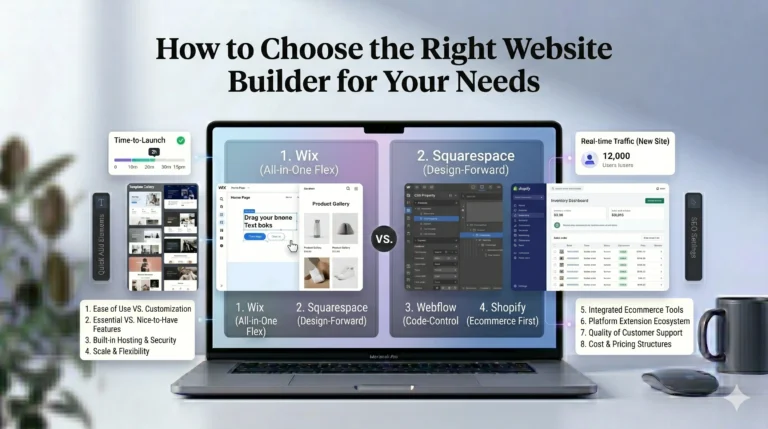
Wix vs Squarespace: Which Is Better for Different Website Types?
Choosing the right builder depends on your goals. Here’s a quick comparison between Wix and Squarespace:
| Feature | Wix | Squarespace |
|---|---|---|
| Ease of Use | Very beginner-friendly | Slightly structured |
| Design Flexibility | Highly customizable | Design-focused |
| Templates | Wide variety | Premium-quality |
| eCommerce | Flexible | Strong but structured |
| Best For | Beginners, mixed website types | Portfolios, design-heavy sites |
Summary:
- Use Wix if you want flexibility and control
- Use Squarespace if design and simplicity matter most
Actionable Tips: Choosing the Right Website Type
If you’re unsure where to start, follow these steps:
- Define your main goal (sell, inform, showcase)
- Identify your target audience
- Choose features you need
- Start simple and expand later
Avoid trying to combine too many purposes into one website initially.
Who Should Use This?
This guide is ideal for:
- Beginners exploring website creation
- Small business owners
- Freelancers
- Students building portfolios
- Anyone planning an online presence
FAQs
1. What is the most common type of website?
Blog and business websites are among the most common due to their versatility.
2. Can one website have multiple types?
Yes, but it’s best to start with a clear primary focus.
3. Which website type is best for earning money?
eCommerce and blogs offer strong monetization opportunities.
4. Do I need coding skills to build these websites?
No. Tools like Wix and Squarespace allow you to build without coding.
5. Which platform is better for beginners?
Wix is generally easier, while Squarespace offers more polished design templates.
Final Verdict
Understanding the different types of websites explained (blog, eCommerce, portfolio, etc.) is a crucial first step before building your online presence.
Each type serves a different purpose, and choosing the right one depends on your goals. Starting with a clear focus will make your website more effective and easier to manage.
For beginners, platforms like Wix and Squarespace provide practical, user-friendly ways to build almost any type of website without technical expertise.
The key is to start simple, stay consistent, and improve your website as your needs grow.