Ways to Create a Website: Coding vs CMS vs Website Builders
Introduction
If you’re planning to build a website, one of the first decisions you’ll face is how to create it. Should you code it from scratch, use a content management system (CMS), or rely on a website builder?
Understanding the ways to create a website: coding vs CMS vs website builders is essential because each method comes with different levels of control, complexity, cost, and flexibility.
This guide breaks down each approach in simple terms. You’ll learn how they work, their pros and cons, real-world use cases, and which option is best for beginners. We’ll also explore how platforms like Wix and Squarespace simplify the process for non-technical users.
Overview: Three Main Ways to Create a Website
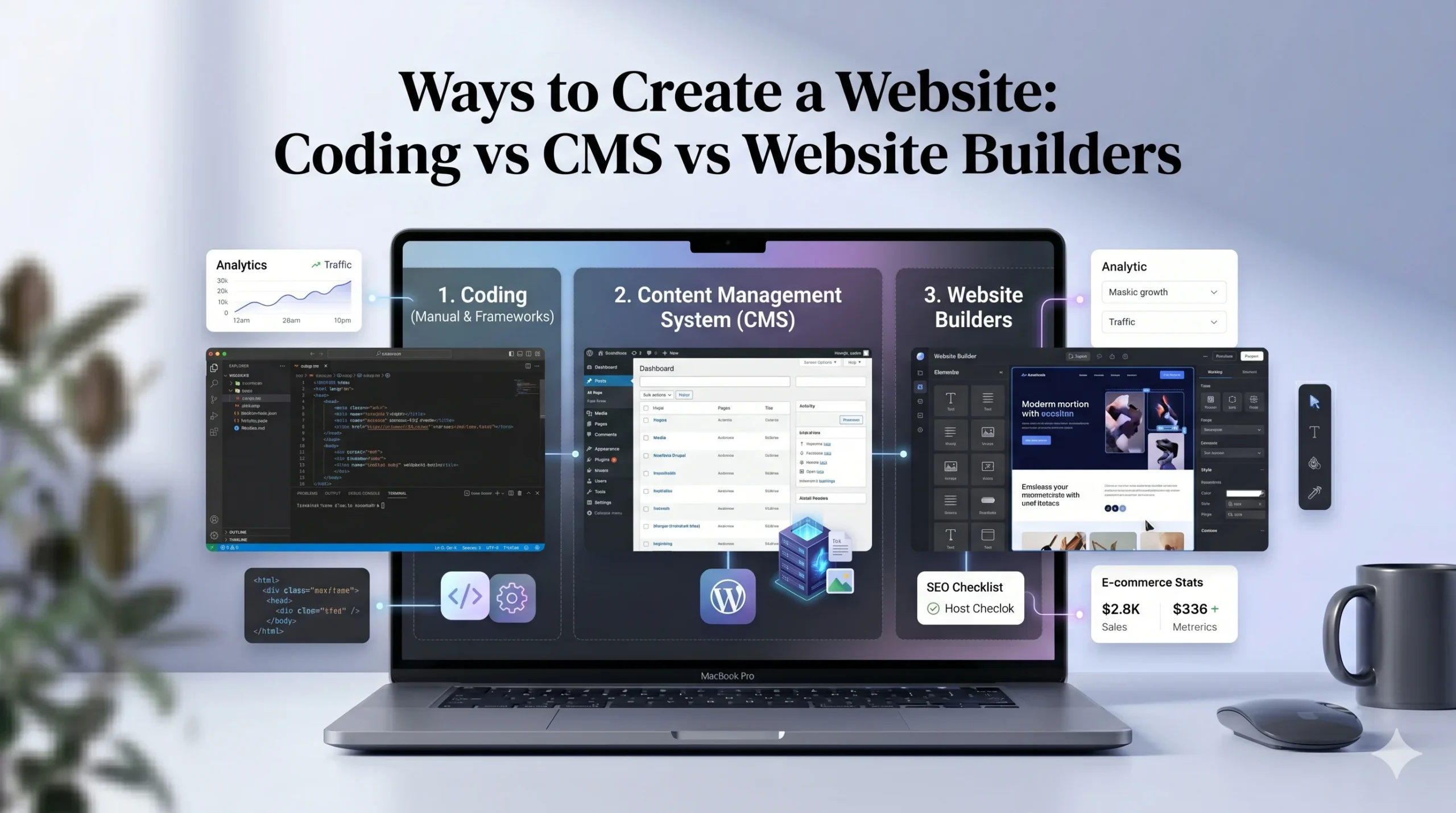
There are three primary approaches:
- Coding from scratch – full control, high complexity
- Using a CMS – balance of flexibility and usability
- Using website builders – easiest and fastest method
Each option serves different needs depending on your goals and experience level.
1. Coding a Website from Scratch
What Does It Mean?
Coding a website involves building it using programming languages such as:
- HTML (structure)
- CSS (design)
- JavaScript (interactivity)
You may also use backend technologies for advanced functionality.
Pros of Coding
- Full control over design and functionality
- Highly customizable
- No platform limitations
Cons of Coding
- Requires technical knowledge
- Time-consuming
- Higher development and maintenance effort
Real-World Use Cases
- Custom web applications
- Large-scale business platforms
- Unique or complex functionality
Who Should Choose This?
- Developers
- Tech-savvy users
- Businesses with specific technical requirements
2. Using a CMS (Content Management System)
What Is a CMS?
A CMS is software that allows you to create and manage website content without writing code from scratch.
Popular CMS platforms include:
- WordPress
- Joomla
- Drupal
How It Works
- You install the CMS on hosting
- Choose a theme (design)
- Add plugins for features
- Manage content through a dashboard
Pros of CMS
- Flexible and scalable
- Large plugin ecosystem
- Suitable for various website types
Cons of CMS
- Learning curve for beginners
- Requires maintenance (updates, security)
- Hosting and setup required
Real-World Use Cases
- Blogs and content websites
- Business websites
- Medium to large-scale projects
Who Should Choose This?
- Users willing to learn some technical basics
- Bloggers and content creators
- Businesses needing customization
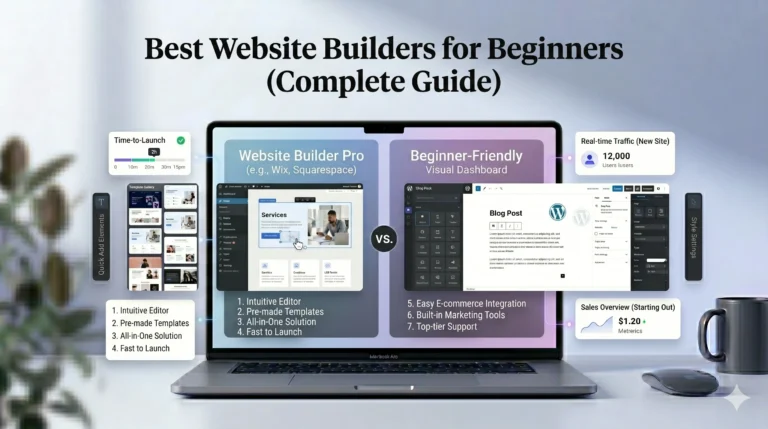
3. Using Website Builders
What Are Website Builders?
Website builders are all-in-one platforms that allow you to create websites using drag-and-drop tools.
Examples include:
- Wix
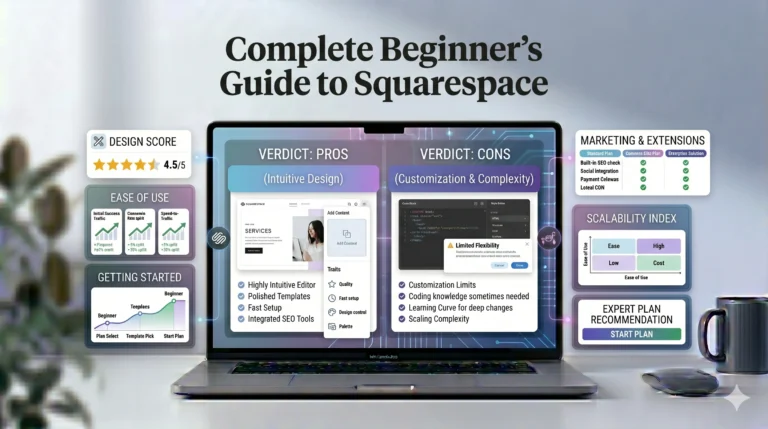
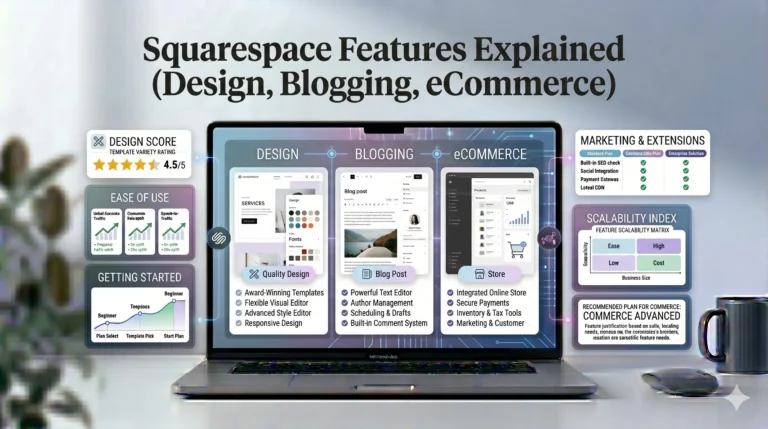
- Squarespace
How They Work
- Choose a template
- Customize design visually
- Add content easily
- Publish with one click
Everything (domain, hosting, CMS) is often included.
Pros of Website Builders
- Beginner-friendly
- Fast setup
- No coding required
- All-in-one solution
Cons of Website Builders
- Less flexibility than coding
- Monthly subscription cost
- Platform limitations
Real-World Use Cases
- Small business websites
- Portfolios
- Personal blogs
- Simple online stores
Who Should Choose This?
- Beginners
- Small business owners
- Freelancers
- Anyone needing a quick, professional website
Comparison Table: Coding vs CMS vs Website Builders
| Feature | Coding | CMS | Website Builders |
|---|---|---|---|
| Ease of Use | Difficult | متوسط (Moderate) | Very easy |
| Customization | Maximum | High | Moderate |
| Setup Time | Long | Medium | Short |
| Cost | High (development) | Medium | Low–Medium |
| Maintenance | High | Medium | Low |
| Best For | Developers | Intermediate users | Beginners |
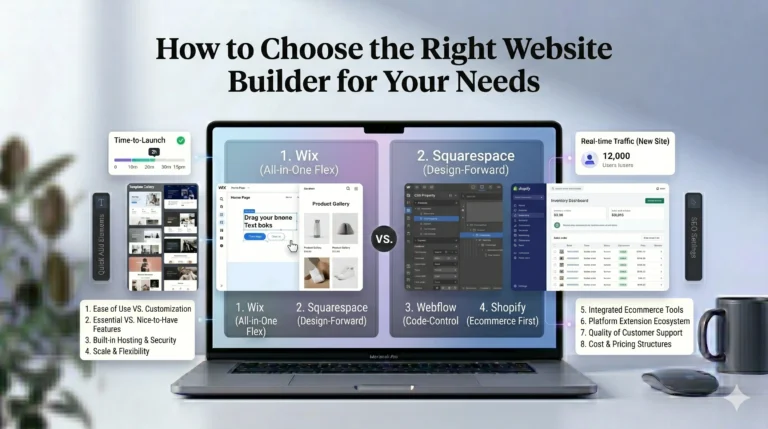
Wix vs Squarespace: Website Builder Comparison
If you decide to use a website builder, choosing the right platform matters. Two of the most popular options are Wix and Squarespace.
| Feature | Wix | Squarespace |
|---|---|---|
| Ease of Use | Very beginner-friendly | Slight learning curve |
| Design Flexibility | Highly customizable | Structured and polished |
| Templates | Large variety | Premium-quality designs |
| SEO Tools | Built-in and beginner-friendly | Strong but less guided |
| Pricing | Flexible plans | Simple pricing structure |
| Best For | Beginners, small businesses | Creatives, portfolios |
Key Differences
- Wix offers more flexibility and customization
- Squarespace focuses on clean, professional design
Both platforms eliminate the need for separate hosting and CMS setup.
How to Choose the Right Method
Choosing between coding, CMS, and website builders depends on your situation.
Consider These Factors:
- Skill level – Are you a beginner or developer?
- Budget – Can you invest in development or tools?
- Time – Do you need a website quickly?
- Purpose – Is it a blog, business, or complex platform?
Simple Decision Guide:
- Choose coding if you need full control and have technical skills
- Choose CMS if you want flexibility and can handle some learning
- Choose website builders if you want simplicity and speed
Actionable Tips for Beginners
If you’re just starting out:
- Start with a website builder
- Focus on content and usability
- Avoid overcomplicating design
- Upgrade tools as your needs grow
Many beginners waste time trying advanced methods too early. Simplicity is often more effective.
Who Should Use This?
This guide is ideal for:
- Beginners exploring website creation
- Small business owners
- Freelancers
- Students
- Anyone comparing website building methods
FAQs
1. What is the easiest way to create a website?
Using website builders like Wix or Squarespace is the easiest option.
2. Is coding better than using a website builder?
Coding offers more control, but it requires technical skills. Builders are better for most beginners.
3. Can I switch from a website builder to a CMS later?
Yes, but it may require rebuilding your site.
4. Which option is best for SEO?
All methods can support SEO if used correctly, but builders now include built-in SEO tools.
5. Do website builders include hosting?
Yes, most website builders include hosting as part of their service.
Final Verdict
Understanding the ways to create a website: coding vs CMS vs website builders helps you make an informed decision based on your goals and experience.
- Coding offers maximum control but requires expertise
- CMS platforms provide flexibility with some complexity
- Website builders deliver simplicity and speed
For most beginners and small businesses, website builders like Wix and Squarespace are practical starting points. They reduce technical barriers and allow you to focus on what matters most—your content and audience.
As your needs grow, you can always explore more advanced solutions. The key is to start with the method that matches your current skills and goals.