Website Builder vs WordPress: Which One Should You Choose?
Creating a website today is easier than ever, but choosing the right platform can still feel overwhelming. One of the most common questions beginners ask is whether they should use a website builder or WordPress.
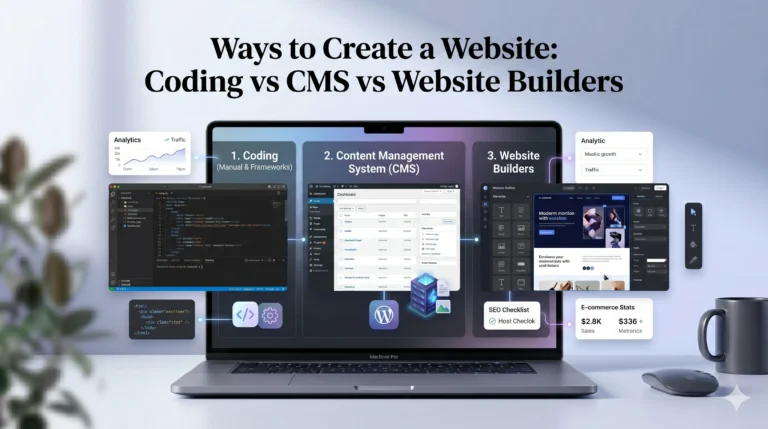
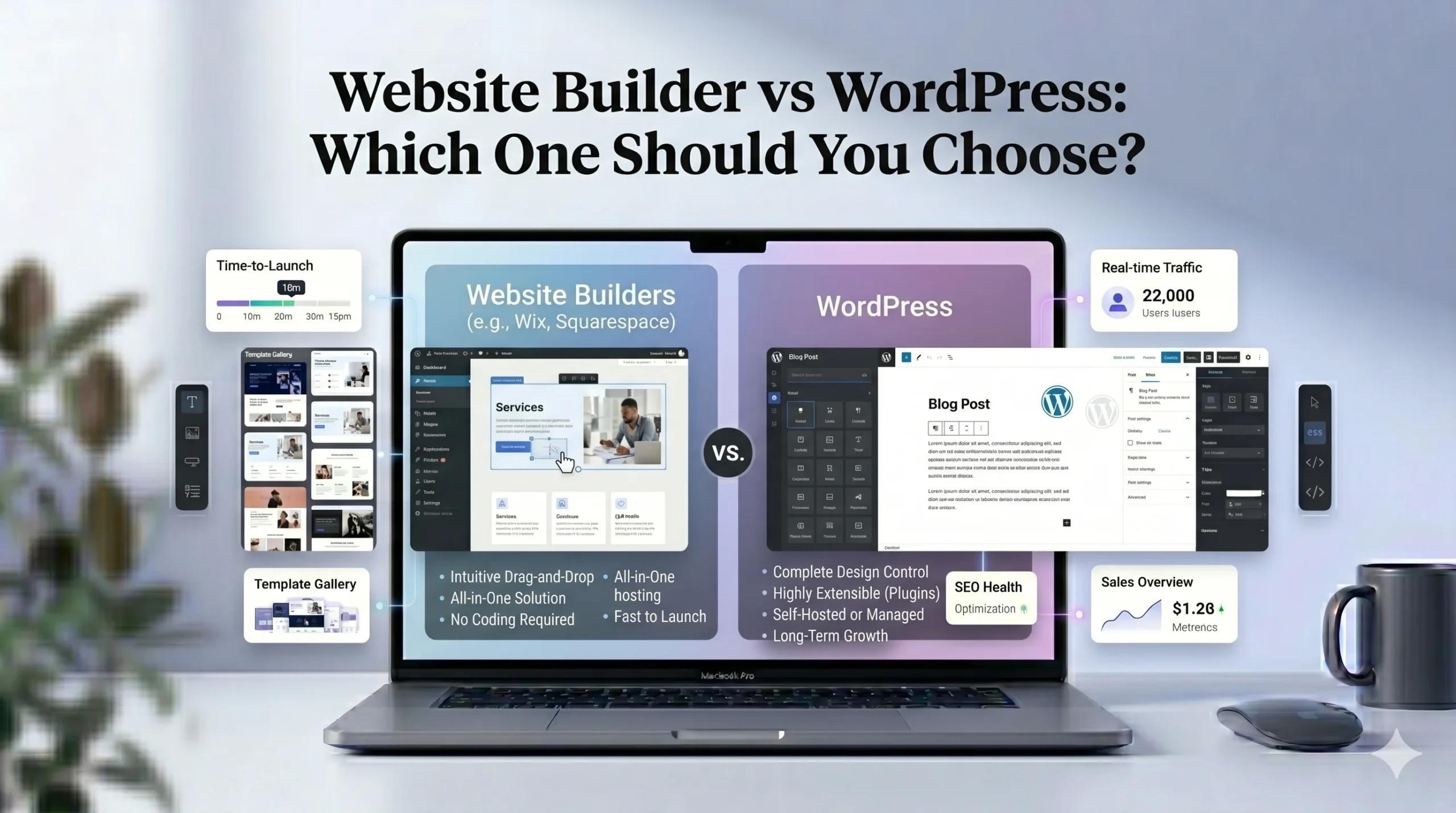
Both options can help you build a professional website, but they work very differently. Website builders such as Wix and Squarespace focus on simplicity and convenience, while WordPress offers deeper customization and flexibility.
In this guide, we’ll compare website builders vs WordPress in detail, including ease of use, pricing, customization, SEO, ecommerce features, maintenance, and long-term scalability. By the end, you should have a clearer understanding of which option best matches your goals and experience level.
Understanding the Difference
Before comparing features, it’s important to understand how these platforms work.
What Is a Website Builder?
A website builder is an all-in-one platform that allows users to create websites without coding. Most website builders include:
- Hosting
- Templates
- Visual editors
- Security
- Basic SEO tools
- Customer support
Platforms like Wix and Squarespace are designed to simplify website creation by handling technical tasks automatically.
Users can usually build pages using drag-and-drop editors and launch websites quickly.
What Is WordPress?
WordPress is an open-source content management system (CMS). Unlike website builders, WordPress gives users more control over customization and functionality.
However, WordPress usually requires:
- Separate hosting
- Plugin management
- Theme setup
- Updates and maintenance
WordPress powers a large portion of websites on the internet because of its flexibility and extensive ecosystem.
Website Builder vs WordPress: Key Differences
Ease of Use
For beginners, ease of use is often the most important factor.
Website builders are generally easier to learn because everything is integrated into one dashboard. Users can edit pages visually without dealing with technical setup.
Website Builders
Advantages:
- Beginner-friendly interface
- No coding required
- Fast setup process
- Hosting included
Disadvantages:
- Less technical control
- Limited advanced customization
Platforms like Wix are especially popular among beginners because of their flexible drag-and-drop editing system.
WordPress
Advantages:
- More flexibility
- Greater control over functionality
- Large plugin ecosystem
Disadvantages:
- Steeper learning curve
- Requires maintenance
- Can feel overwhelming initially
WordPress is often better suited for users willing to spend more time learning the platform.
Design and Templates
Both website builders and WordPress offer templates, but the experience differs significantly.
Website Builders
Website builders focus heavily on visual design and simplicity.
Wix
Wix offers:
- Large template library
- Flexible customization
- Drag-and-drop positioning
- AI-assisted website setup
This flexibility appeals to users who want creative freedom.
Squarespace
Squarespace focuses more on:
- Clean layouts
- Structured design
- Professional-looking templates
- Minimalist aesthetics
Squarespace is often preferred for portfolios, photography sites, and creative businesses.
WordPress Themes
WordPress offers thousands of themes through both free and premium marketplaces.
Advantages include:
- Unlimited design potential
- Deep customization
- Advanced theme frameworks
However, setup can require additional plugins and configuration.
Pricing Comparison
Pricing structures differ significantly between website builders and WordPress.
| Feature | Website Builders | WordPress |
|---|---|---|
| Hosting Included | Yes | Usually No |
| Maintenance | Included | User-managed |
| Monthly Costs | Predictable | Variable |
| Setup Complexity | Low | Medium to High |
| Plugin Costs | Limited | Can increase over time |
Website Builder Pricing
Most website builders use subscription plans.
For example:
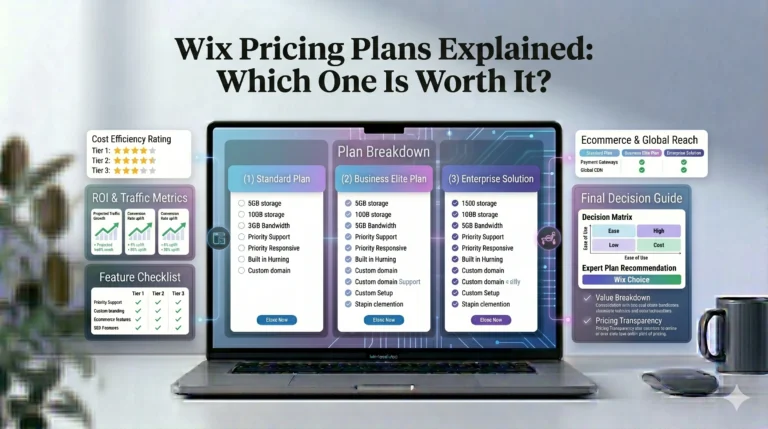
- Wix offers multiple pricing tiers based on storage, ecommerce, and business features.
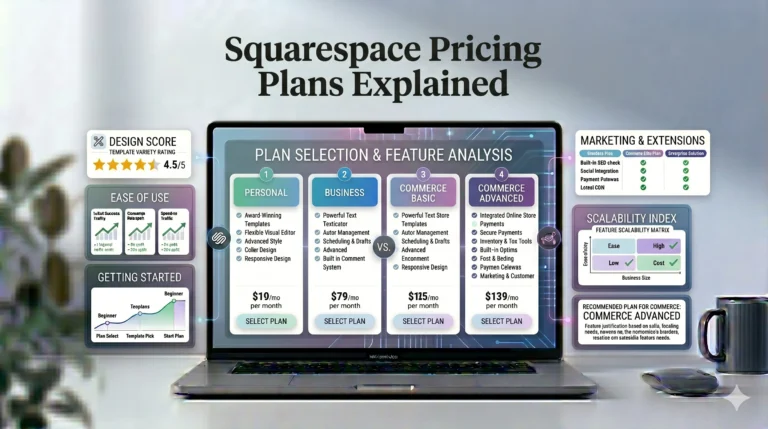
- Squarespace also provides structured plans with hosting included.
This makes budgeting easier for beginners.
WordPress Pricing
Although WordPress software itself is free, additional costs may include:
- Hosting
- Premium themes
- Plugins
- Security tools
- Developer assistance
In some cases, WordPress can become more expensive depending on customization needs.
SEO and Marketing Tools
Search engine visibility matters for almost every website.
Website Builders
Modern website builders have improved SEO significantly.
Both Wix and Squarespace provide:
- Meta title editing
- URL customization
- Mobile optimization
- SSL security
- Sitemap generation
Wix also includes SEO guidance tools designed for beginners.
WordPress SEO
WordPress is often considered highly SEO-friendly because of its flexibility and plugin ecosystem.
Popular SEO plugins allow:
- Advanced optimization
- Schema markup
- Technical SEO control
- Content analysis
However, achieving strong SEO performance may require more manual configuration.
Ecommerce Features
If you plan to sell products online, ecommerce functionality becomes important.
Website Builders for Ecommerce
Both Wix and Squarespace support online stores.
Features commonly include:
- Product listings
- Payment gateways
- Inventory management
- Mobile-friendly checkout
- Order tracking
These tools are integrated directly into the platform, making setup easier.
WordPress Ecommerce
WordPress commonly uses ecommerce plugins like WooCommerce.
Advantages:
- Extensive customization
- Large extension ecosystem
- Scalability
Disadvantages:
- More setup complexity
- Maintenance responsibilities
WordPress can become powerful for larger online stores, but beginners may find setup more demanding.
Maintenance and Security
Website Builders
Website builders handle:
- Hosting updates
- Security patches
- Backups
- Performance optimization
This reduces technical responsibilities for users.
WordPress
With WordPress, users are often responsible for:
- Plugin updates
- Theme updates
- Security management
- Backup systems
While many hosting providers simplify this process, maintenance still requires attention.
Wix vs Squarespace: Quick Comparison
Because many beginners compare these two platforms directly, here’s a simplified overview.
| Feature | Wix | Squarespace |
|---|---|---|
| Ease of Use | Very beginner-friendly | Structured and clean |
| Design Flexibility | Highly flexible editor | More design consistency |
| Templates | Large variety | Professional minimalist templates |
| Ecommerce | Strong | Strong |
| SEO Tools | Beginner-focused tools | Solid built-in SEO |
| Best For | Small businesses, beginners | Portfolios, creatives |
Real-World Use Cases
Choose a Website Builder If You:
- Want a simple setup process
- Prefer visual editing
- Don’t want technical maintenance
- Need an all-in-one solution
- Are building a personal site or small business website
Choose WordPress If You:
- Need advanced customization
- Want full control over your website
- Plan to scale heavily
- Are comfortable managing plugins and hosting
- Need specialized functionality
Who Should Use Wix?
Wix may be suitable for:
- Beginners
- Freelancers
- Local businesses
- Portfolio websites
- Small ecommerce stores
Its drag-and-drop editor makes it easier for users who want creative freedom without coding.
Who Should Use Squarespace?
Squarespace is often preferred by:
- Designers
- Photographers
- Creative professionals
- Bloggers
- Brand-focused businesses
Its templates are known for clean visual presentation and polished layouts.
Actionable Tips Before Choosing
1. Define Your Website Goals
Think about whether you need:
- A portfolio
- Business website
- Blog
- Ecommerce store
- Membership platform
Different platforms work better for different goals.
2. Consider Long-Term Maintenance
Website builders reduce maintenance tasks, while WordPress requires more active management.
3. Test Free Trials
Most website builders offer trial periods. Exploring the interface firsthand can help you understand which platform feels more comfortable.
4. Think About Scalability
If you expect significant growth or advanced customization needs, WordPress may offer more flexibility long term.
Frequently Asked Questions
Is WordPress better than a website builder?
Not necessarily. WordPress offers more flexibility, while website builders focus on simplicity and convenience.
Which is easier for beginners?
Website builders like Wix and Squarespace are generally easier for beginners.
Can website builders rank well on Google?
Yes. Modern website builders include SEO tools that can support strong search visibility when used properly.
Is WordPress cheaper?
It depends. WordPress itself is free, but hosting, plugins, and maintenance costs can add up over time.
Which platform is best for ecommerce?
Both options can support ecommerce, but the best choice depends on store size, customization needs, and technical comfort level.
Final Verdict
Choosing between a website builder and WordPress depends largely on your experience level, goals, and preferred workflow.
Website builders like Wix and Squarespace are often the better choice for users who want a straightforward, beginner-friendly experience with minimal technical maintenance. They simplify website creation by combining hosting, templates, security, and editing tools into one platform.
On the other hand, WordPress provides greater flexibility and scalability for users who need deeper customization and are comfortable managing technical aspects of a website.
There is no single “best” option for everyone. The right choice depends on what type of website you want to build, how much control you need, and how involved you want to be in managing the platform itself.