Best Website Builders for Beginners
Building a website used to require coding knowledge, technical setup, and a significant time investment. Today, website builders have simplified the process, allowing beginners to create professional websites without advanced technical skills.
Whether you want to start a personal blog, launch a small business website, build an online store, or create a portfolio, choosing the right platform can make the process much easier. However, with so many options available, beginners often struggle to understand which website builder best fits their needs.
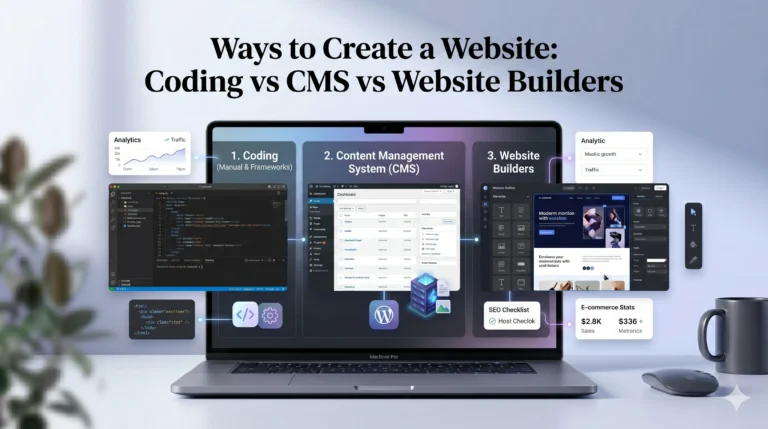
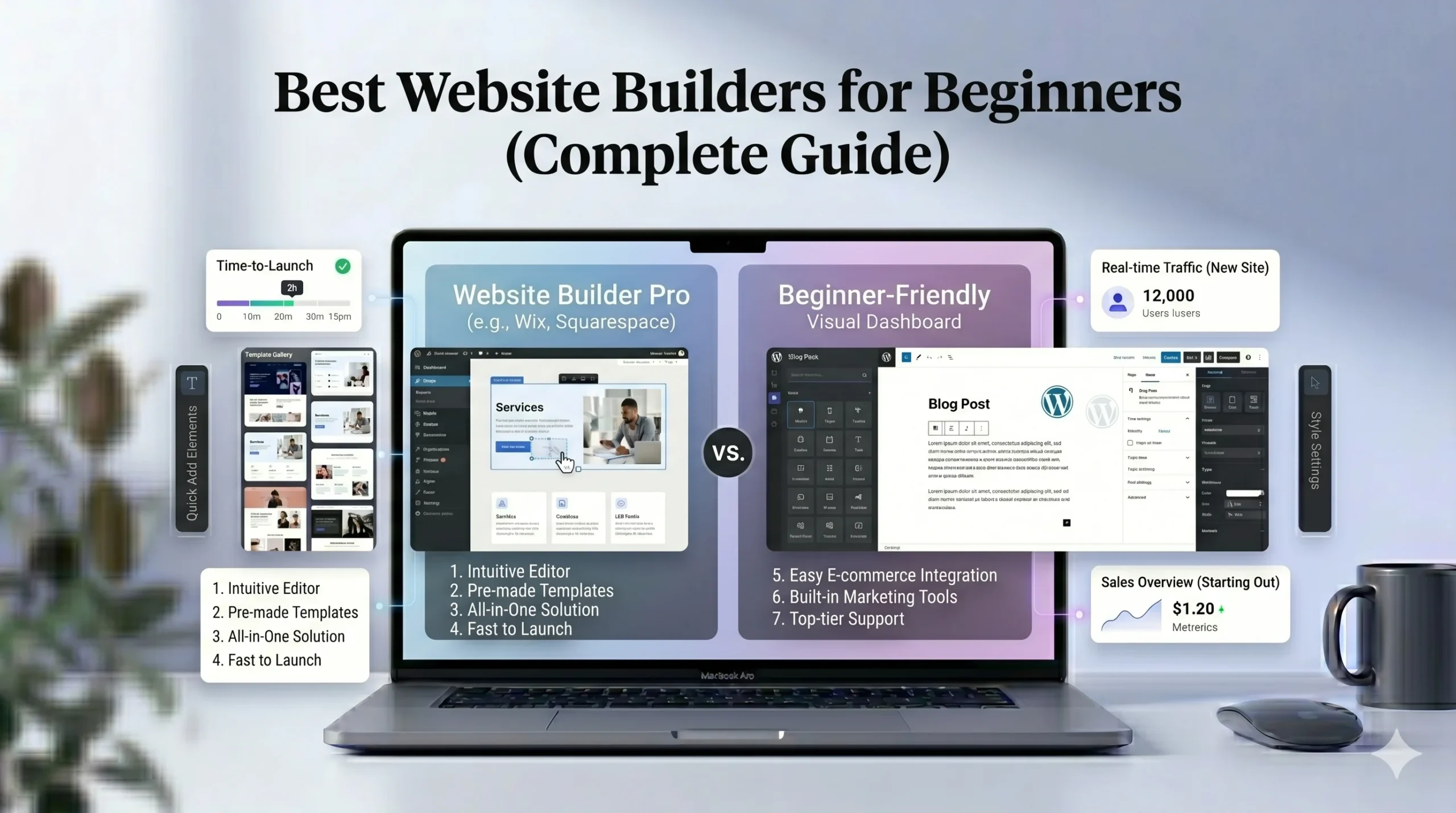
This guide explores the best website builders for beginners, with a focus on usability, templates, customization, pricing, SEO tools, and long-term flexibility. We’ll also compare popular platforms like Wix and Squarespace to help you make an informed decision.
What Makes a Website Builder Beginner-Friendly?
Not all website builders are designed with beginners in mind. Some platforms focus on advanced customization, while others prioritize simplicity and ease of use.
For beginners, the best website builders typically offer:
- Drag-and-drop editing
- Pre-designed templates
- Built-in hosting
- Mobile optimization
- Basic SEO tools
- Simple dashboard navigation
- Customer support resources
These features reduce technical complexity and allow users to focus on creating content and designing pages.
Key Factors to Consider Before Choosing a Website Builder
Before selecting a platform, it’s important to understand your goals.
Website Purpose
Different builders are optimized for different use cases:
- Business websites
- Portfolios
- Blogs
- Ecommerce stores
- Landing pages
Some platforms perform better for creative portfolios, while others focus more heavily on ecommerce or business tools.
Ease of Use
Beginners usually benefit from platforms with:
- Visual editing tools
- Guided setup processes
- Minimal technical configuration
The simpler the editing experience, the easier it becomes to manage your website over time.
Customization
Some users prefer flexibility, while others want a more structured design process.
A flexible editor allows greater creative freedom, while structured templates help maintain visual consistency.
Pricing and Long-Term Costs
Website builders typically use subscription pricing. Costs can vary depending on:
- Storage
- Ecommerce tools
- Marketing features
- Premium templates
- Custom domain support
Beginners should compare pricing carefully before committing to a platform.
Best Website Builders for Beginners
1. Wix
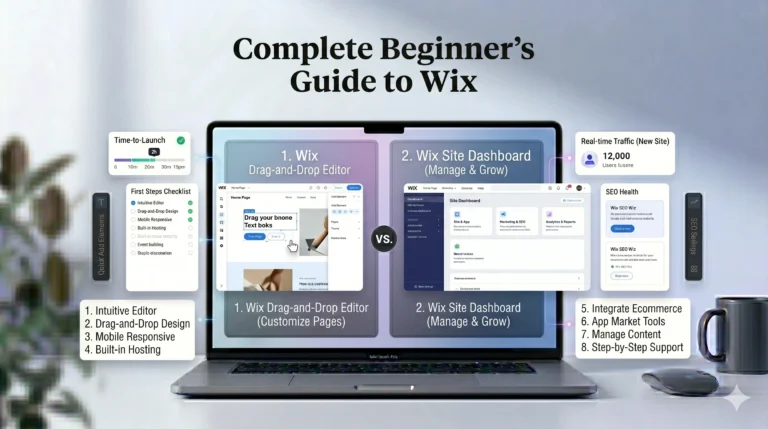
Wix is one of the most beginner-friendly website builders available today. It offers a flexible drag-and-drop editor that allows users to place elements almost anywhere on a page.
This makes Wix especially appealing for users who want creative control without coding.
Key Features
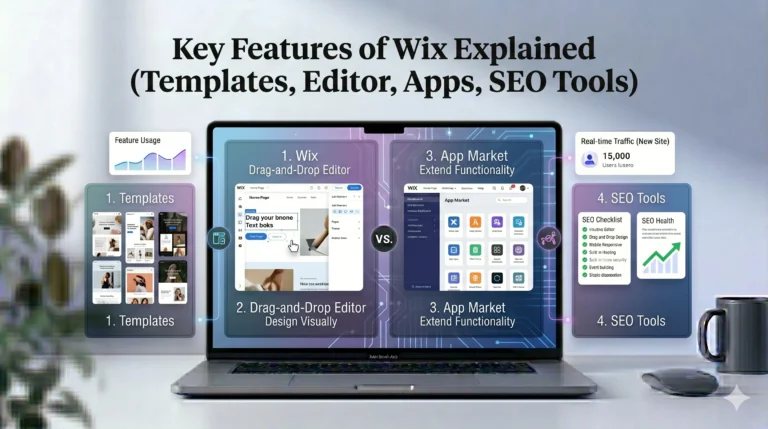
- Drag-and-drop editor
- Large template library
- AI website setup tools
- Built-in SEO tools
- App marketplace
- Ecommerce support
- Blogging features
Pros
- Easy to use for beginners
- High design flexibility
- Wide range of templates
- Integrated marketing tools
- Good feature variety
Cons
- Template switching can be limited
- Advanced customization may feel overwhelming initially
- Pricing increases with premium features
Best For
Wix is well suited for:
- Small business websites
- Personal blogs
- Portfolios
- Beginner ecommerce stores
- Freelancers
2. Squarespace
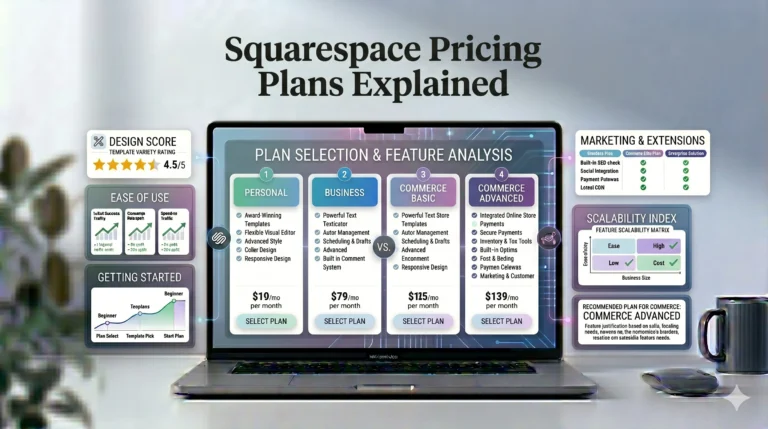
Squarespace is known for its polished templates and structured editing experience. Compared to Wix, it focuses more on design consistency and visual presentation.
Many creative professionals choose Squarespace because of its clean layouts and modern styling.
Key Features
- Professionally designed templates
- Mobile-responsive layouts
- Built-in blogging tools
- Ecommerce functionality
- Integrated analytics
- SEO settings
- Email campaign tools
Pros
- Clean and modern designs
- Consistent visual layouts
- Beginner-friendly dashboard
- Strong blogging capabilities
- Integrated ecommerce tools
Cons
- Less design flexibility than Wix
- Smaller template selection
- Structured editor may feel restrictive
Best For
Squarespace is often preferred for:
- Photography websites
- Creative portfolios
- Design-focused businesses
- Personal brands
- Bloggers
3. Shopify
Although Shopify primarily focuses on ecommerce, it remains beginner-friendly for users planning to create online stores.
It simplifies product management and payment setup while providing a strong ecommerce infrastructure.
Key Features
- Product inventory management
- Payment integrations
- Mobile-friendly storefronts
- Ecommerce analytics
- Marketing integrations
Pros
- Excellent ecommerce tools
- Beginner-friendly store management
- Scalable platform
- Reliable performance
Cons
- Less ideal for non-ecommerce websites
- Monthly costs can increase with apps
- Design flexibility may require additional customization
Best For
Shopify works best for:
- Online stores
- Product-based businesses
- Dropshipping websites
- Ecommerce beginners
4. Weebly
Weebly offers a simpler editing experience than some larger competitors. While it may not provide as many advanced features, it remains approachable for beginners.
Key Features
- Drag-and-drop editing
- Ecommerce support
- Mobile-responsive themes
- Blogging functionality
Pros
- Easy learning curve
- Simple interface
- Beginner-friendly dashboard
Cons
- Limited advanced customization
- Smaller feature ecosystem
- Fewer modern templates
Best For
Weebly is suitable for:
- Simple websites
- Small personal projects
- Beginner users wanting minimal complexity
Wix vs Squarespace: Which Is Better for Beginners?
Many users compare Wix and Squarespace directly because both platforms target beginners.
Here’s a closer look at how they differ.
| Feature | Wix | Squarespace |
|---|---|---|
| Ease of Use | Very beginner-friendly | Beginner-friendly |
| Design Flexibility | Highly flexible | Structured layouts |
| Templates | Large selection | Professionally curated |
| Ecommerce | Strong | Strong |
| SEO Tools | SEO Wiz + settings | Built-in SEO tools |
| Blogging | Good | Excellent |
| Best For | General websites | Creative projects |
Design Experience
Wix provides more editing freedom. Users can move elements freely and customize layouts extensively.
Squarespace focuses more on maintaining polished and visually balanced designs.
SEO and Marketing Tools
Both platforms include beginner-friendly SEO tools.
Wix offers:
- SEO setup guidance
- Meta tag editing
- Structured optimization tools
Squarespace provides:
- Built-in SEO settings
- Clean URL structures
- Mobile optimization
For most beginners, both platforms provide sufficient SEO capabilities.
Real-World Use Cases
Personal Portfolio
Squarespace is often preferred because of its visual presentation and professional templates.
Local Business Website
Wix may be more suitable due to its flexibility, booking tools, and business-focused integrations.
Online Store
Both platforms support ecommerce, though Shopify may become a stronger option for larger stores.
Blogging
Both Wix and Squarespace support blogging, though Squarespace is often praised for cleaner blog presentation.
Actionable Tips for Beginners
1. Start With a Simple Goal
Avoid trying to build a complex website immediately. Start with a few essential pages:
- Homepage
- About page
- Contact page
- Blog or services page
2. Focus on Mobile Design
Most visitors browse websites on mobile devices. Always preview your site on smaller screens before publishing.
3. Use Templates Strategically
Templates save time, but excessive customization can sometimes reduce design consistency.
4. Learn Basic SEO
Understanding simple SEO concepts such as page titles, meta descriptions, and headings can improve visibility over time.
5. Test Multiple Platforms
Most website builders offer free plans or trials. Exploring different interfaces helps you understand which editing style feels most comfortable.
Who Should Use These Website Builders?
Choose Wix If You:
- Want maximum editing flexibility
- Prefer drag-and-drop design
- Need business integrations
- Want beginner-friendly setup
Choose Squarespace If You:
- Prioritize clean design
- Want visually polished templates
- Create portfolio-based websites
- Prefer structured editing
Choose Shopify If You:
- Focus mainly on ecommerce
- Need inventory management
- Plan to scale an online store
Choose Weebly If You:
- Want a simple learning curve
- Need a small personal website
- Prefer minimal setup complexity
Frequently Asked Questions
What is the best website builder for complete beginners?
Wix is often considered one of the easiest website builders for beginners because of its drag-and-drop editing system and guided setup tools.
Is Squarespace easier than Wix?
Squarespace offers a cleaner and more structured editing experience, while Wix provides greater design flexibility. The easier option depends on personal preference.
Do website builders include hosting?
Yes. Most website builders include hosting, security, and maintenance within their subscription plans.
Can beginners build ecommerce websites?
Yes. Platforms like Wix, Squarespace, and Shopify provide beginner-friendly ecommerce tools.
Are website builders good for SEO?
Modern website builders include SEO features such as customizable meta tags, mobile optimization, SSL security, and sitemap generation.
Final Verdict
The best website builder for beginners depends on your goals, design preferences, and desired level of customization.
Wix stands out for flexibility, beginner-friendly editing, and feature variety. It works well for users who want more creative control without learning code.
Squarespace focuses more on clean visual design and structured layouts, making it especially appealing for portfolios and creative websites.
Meanwhile, platforms like Shopify and Weebly serve specific audiences depending on ecommerce or simplicity needs.
Rather than searching for a single “best” platform, beginners should focus on finding the website builder that best matches their website goals, technical comfort level, and long-term plans.