Complete Beginner’s Guide to Wix
Creating a website no longer requires advanced coding skills or technical experience. Modern website builders have simplified the process, allowing beginners to launch professional websites with minimal setup. Among these platforms, Wix has become one of the most widely used website builders for individuals, freelancers, and small businesses.
Its visual editing tools, large template library, and integrated features make it appealing to users who want flexibility without needing to manage complex technical systems.
This complete beginner’s guide to Wix explains how the platform works, what features it offers, its advantages and limitations, pricing considerations, SEO tools, ecommerce functionality, and how it compares to alternatives like Squarespace.
Whether you are starting a blog, creating a business website, building a portfolio, or launching an online store, this guide will help you understand if Wix is the right choice for your needs.
What Is Wix?
Wix is a cloud-based website builder that allows users to create websites using drag-and-drop editing tools. Unlike traditional website development, Wix combines hosting, templates, security, and website management into a single platform.
This means users can build and publish websites without:
- Installing software
- Managing hosting manually
- Writing code
- Configuring complex servers
Wix is designed primarily for beginners, though intermediate users can also benefit from its customization options and app integrations.
How Wix Works
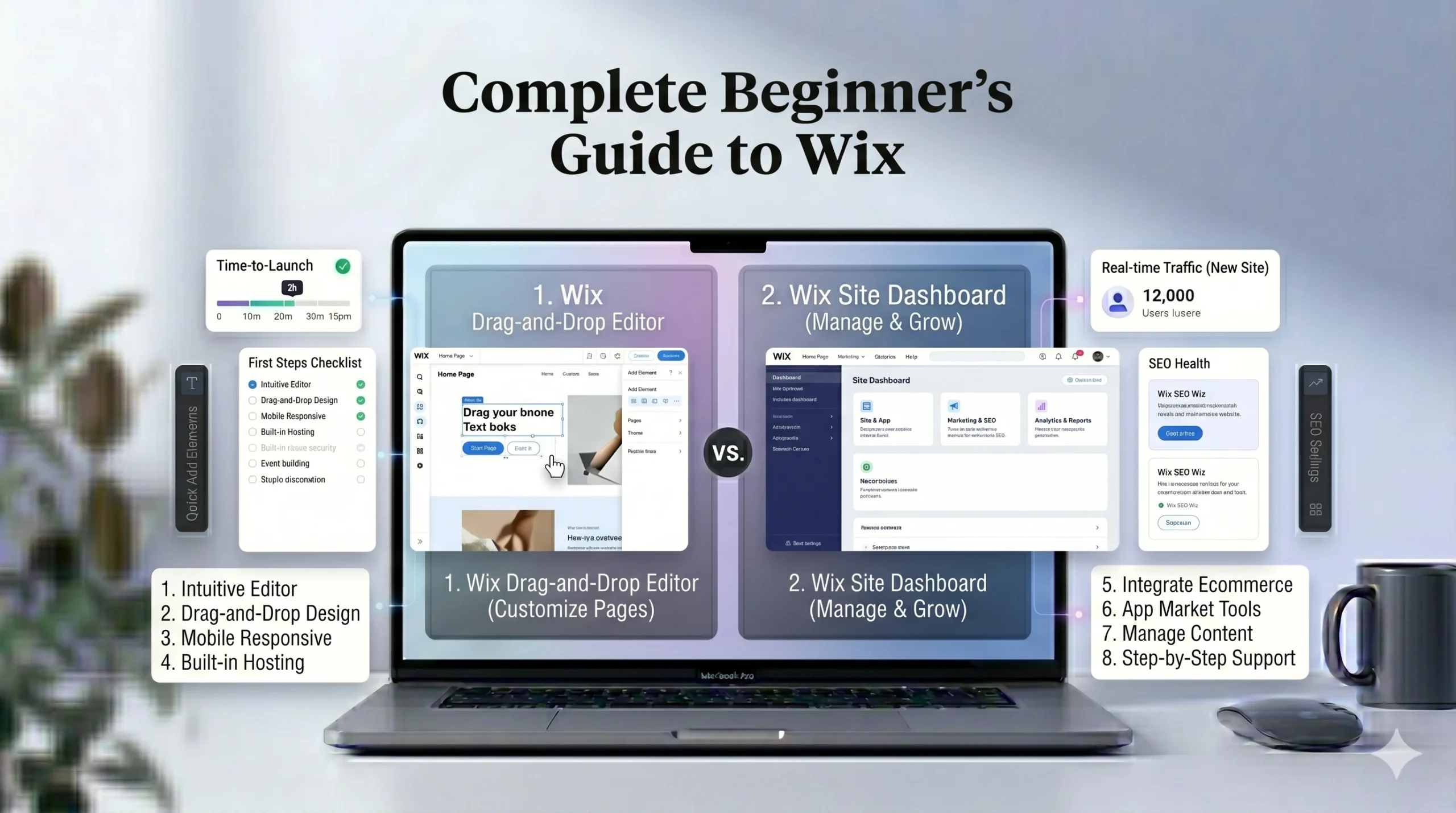
Wix simplifies website creation through a visual editor.
Users can:
- Choose a template
- Add text and images
- Rearrange sections visually
- Customize colors and fonts
- Publish websites directly
Most editing tasks happen through a drag-and-drop interface, which means elements can be moved visually rather than edited through code.
Getting Started With Wix
Creating an Account
To begin using Wix, users create an account and choose the type of website they want to build.
Wix may ask questions about:
- Website goals
- Industry type
- Design preferences
- Required features
This helps personalize the setup experience.
Choosing a Website Template
Wix offers hundreds of templates across multiple categories, including:
- Business websites
- Portfolios
- Blogs
- Online stores
- Restaurants
- Service-based websites
Templates are designed to help beginners launch websites quickly without starting from scratch.
Using the Drag-and-Drop Editor
One of the most notable Wix features is its visual editing flexibility.
Users can:
- Move elements freely
- Resize sections
- Add galleries
- Embed videos
- Customize layouts
This flexibility appeals to users who want creative control over page design.
However, beginners should avoid over-customizing layouts early on, as excessive design changes can sometimes reduce visual consistency.
Key Features of Wix
1. Drag-and-Drop Website Editor
The Wix editor allows users to customize pages visually without coding.
Advantages:
- Beginner-friendly
- Flexible layouts
- Real-time editing
- Easy content updates
Potential limitation:
- Too much design freedom can occasionally make layouts harder to organize consistently.
2. Wix ADI (Artificial Design Intelligence)
Wix ADI helps users generate websites automatically based on questions about their business or goals.
This feature can:
- Speed up setup
- Suggest layouts
- Generate starter content
- Simplify design decisions
It is especially useful for beginners unfamiliar with web design.
3. App Market
Wix includes an app marketplace that adds additional functionality such as:
- Booking systems
- Contact forms
- Live chat
- Ecommerce tools
- Marketing integrations
Some apps are free, while others require additional subscriptions.
4. Blogging Tools
Wix supports blogging with features like:
- Categories and tags
- Post scheduling
- SEO settings
- Media embedding
- Comment systems
This makes it suitable for content-focused websites and beginner bloggers.
5. Ecommerce Features
Wix also includes ecommerce tools for users selling products or services online.
Features include:
- Product management
- Inventory tracking
- Payment processing
- Mobile checkout
- Coupon creation
For small and medium-sized online stores, Wix provides a relatively accessible ecommerce setup.
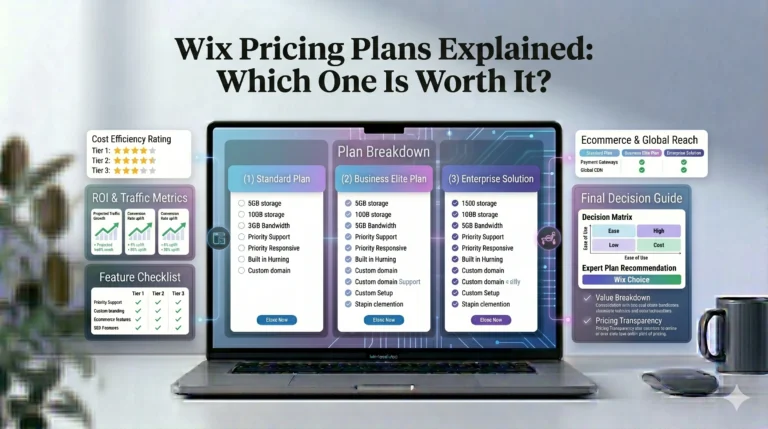
Wix Pricing Overview
Wix offers both free and premium plans.
Free Plan
The free version allows users to test the platform but includes:
- Wix branding
- Limited storage
- Wix subdomain
This plan is more suitable for experimentation than professional websites.
Premium Plans
Premium plans typically include:
- Custom domains
- Additional storage
- Ecommerce functionality
- Marketing tools
- Analytics
Pricing varies depending on website needs and business features.
Beginners should compare plans carefully before upgrading.
Wix SEO Features
Search engine optimization is important for visibility and traffic growth.
Modern website builders have improved significantly in this area, and Wix now includes multiple SEO tools.
Wix SEO Features Include:
- Custom meta titles
- Meta descriptions
- Mobile optimization
- SSL security
- SEO guidance tools
- Sitemap generation
Wix also includes SEO setup assistance that helps beginners optimize pages step by step.
Mobile Optimization
Most visitors browse websites on mobile devices, making mobile responsiveness essential.
Wix templates are designed to work across:
- Smartphones
- Tablets
- Desktop screens
Users can also preview and adjust mobile layouts directly inside the editor.
Advantages of Wix
Beginner-Friendly Setup
Wix reduces technical complexity by including hosting, security, and editing tools in one platform.
Flexible Design Control
Compared to some structured website builders, Wix provides greater freedom for page customization.
Large Template Library
Users can choose from a wide variety of professionally designed templates.
Integrated Features
Blogging, ecommerce, SEO, analytics, and marketing tools are available directly within the platform.
Limitations of Wix
Template Switching
Changing templates after significant customization can be difficult.
Advanced Scalability
While Wix works well for many small and medium websites, highly advanced or enterprise-level projects may require more flexible systems.
App Costs
Some advanced functionality may require paid third-party apps or upgraded plans.
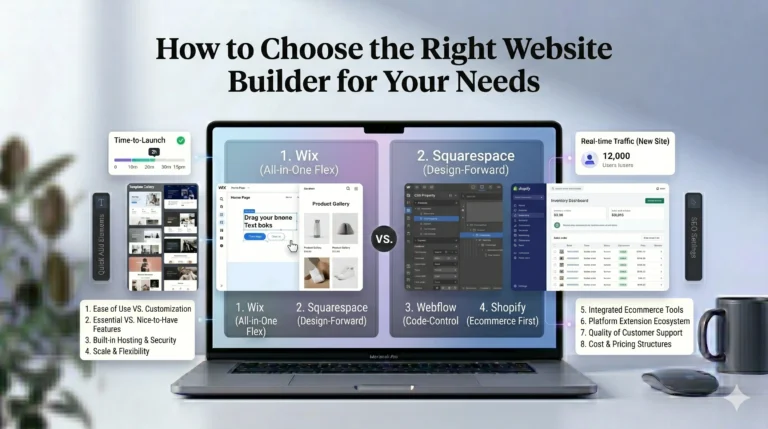
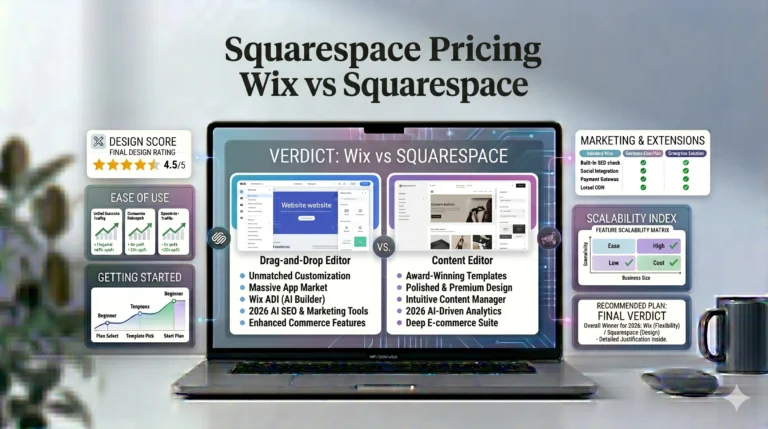
Wix vs Squarespace
Many beginners compare Wix and Squarespace because both platforms target non-technical users.
Here’s a simplified comparison.
| Feature | Wix | Squarespace |
|---|---|---|
| Editing Style | Flexible drag-and-drop | Structured editor |
| Template Variety | Large selection | Curated professional templates |
| Design Flexibility | High | Moderate |
| Blogging | Strong | Excellent |
| Ecommerce | Strong | Strong |
| Ease of Use | Beginner-friendly | Beginner-friendly |
| Best For | General websites | Creative portfolios |
Design Differences
Wix offers more creative flexibility, while Squarespace focuses on cleaner and more structured visual presentation.
Which Is Easier?
Both platforms are beginner-friendly, though the experience differs:
- Wix prioritizes customization freedom
- Squarespace prioritizes visual consistency
The better choice depends on personal preference and project goals.
Real-World Use Cases
Small Business Websites
Wix works well for local businesses needing:
- Contact forms
- Service pages
- Appointment booking
- Mobile-friendly layouts
Personal Blogs
Wix blogging tools support:
- Content publishing
- SEO optimization
- Media-rich posts
Online Stores
Wix ecommerce tools are suitable for:
- Small product catalogs
- Service businesses
- Beginner online sellers
Portfolio Websites
Creative professionals can use Wix galleries and visual layouts to showcase work effectively.
Actionable Tips for Beginners
1. Start With a Simple Layout
Avoid adding too many sections initially. Simpler designs are often easier to navigate and maintain.
2. Focus on Mobile Design
Always preview pages on mobile devices before publishing.
3. Learn Basic SEO
Understanding page titles, headings, and image optimization can improve search visibility.
4. Use Templates Strategically
Templates help maintain design consistency and speed up setup.
5. Explore Wix Apps Carefully
Only install apps you truly need, as excessive plugins can complicate site management.
Who Should Use Wix?
Wix Is Best For:
- Beginners
- Freelancers
- Local businesses
- Portfolio websites
- Small ecommerce stores
- Personal blogs
Wix May Not Be Ideal For:
- Large enterprise websites
- Highly advanced custom development
- Users wanting complete backend control
Frequently Asked Questions
Is Wix good for beginners?
Yes. Wix is widely considered beginner-friendly because of its visual editor and integrated setup process.
Can I create an online store with Wix?
Yes. Wix includes ecommerce tools for product management, payments, and inventory tracking.
Does Wix include hosting?
Yes. Hosting and security are included within Wix plans.
Is Wix good for SEO?
Modern Wix websites include SEO tools such as meta settings, mobile optimization, SSL security, and sitemap generation.
Can I use Wix without coding?
Yes. Wix is designed for users without coding experience.
Final Verdict
Wix remains one of the most accessible website builders for beginners because it combines visual editing, integrated features, and flexible design tools into a single platform.
Its drag-and-drop editor, large template library, and built-in SEO and ecommerce tools make it suitable for many types of websites, including portfolios, blogs, business sites, and small online stores.
Compared to Squarespace, Wix generally offers more design flexibility, while Squarespace focuses more heavily on polished layouts and structured editing.
For beginners seeking an all-in-one website builder without complex technical management, Wix provides a practical and approachable starting point.