Wix vs Squarespace: Which Website Builder Is Better in 2026?
Choosing the best website builder in 2026 is not only about attractive templates or low pricing. Modern website creators also need strong SEO tools, ecommerce functionality, mobile responsiveness, customization flexibility, and long-term scalability.
Two of the most popular website builders in this space are Wix and Squarespace. Both platforms are beginner-friendly and allow users to create professional websites without coding knowledge. However, they approach website building very differently.
Wix emphasizes:
- Design flexibility
- Drag-and-drop editing
- Large app ecosystems
- Creative freedom
Squarespace focuses more on:
- Structured layouts
- Professional design consistency
- Minimalist aesthetics
- Integrated website management
This detailed comparison explains the strengths and weaknesses of both platforms in 2026, including:
- Pricing
- Ease of use
- Templates
- SEO features
- Ecommerce tools
- Blogging
- Performance
- Scalability
The goal is to help readers choose the website builder that best matches their goals, budget, and technical experience.
Quick Overview: Wix vs Squarespace
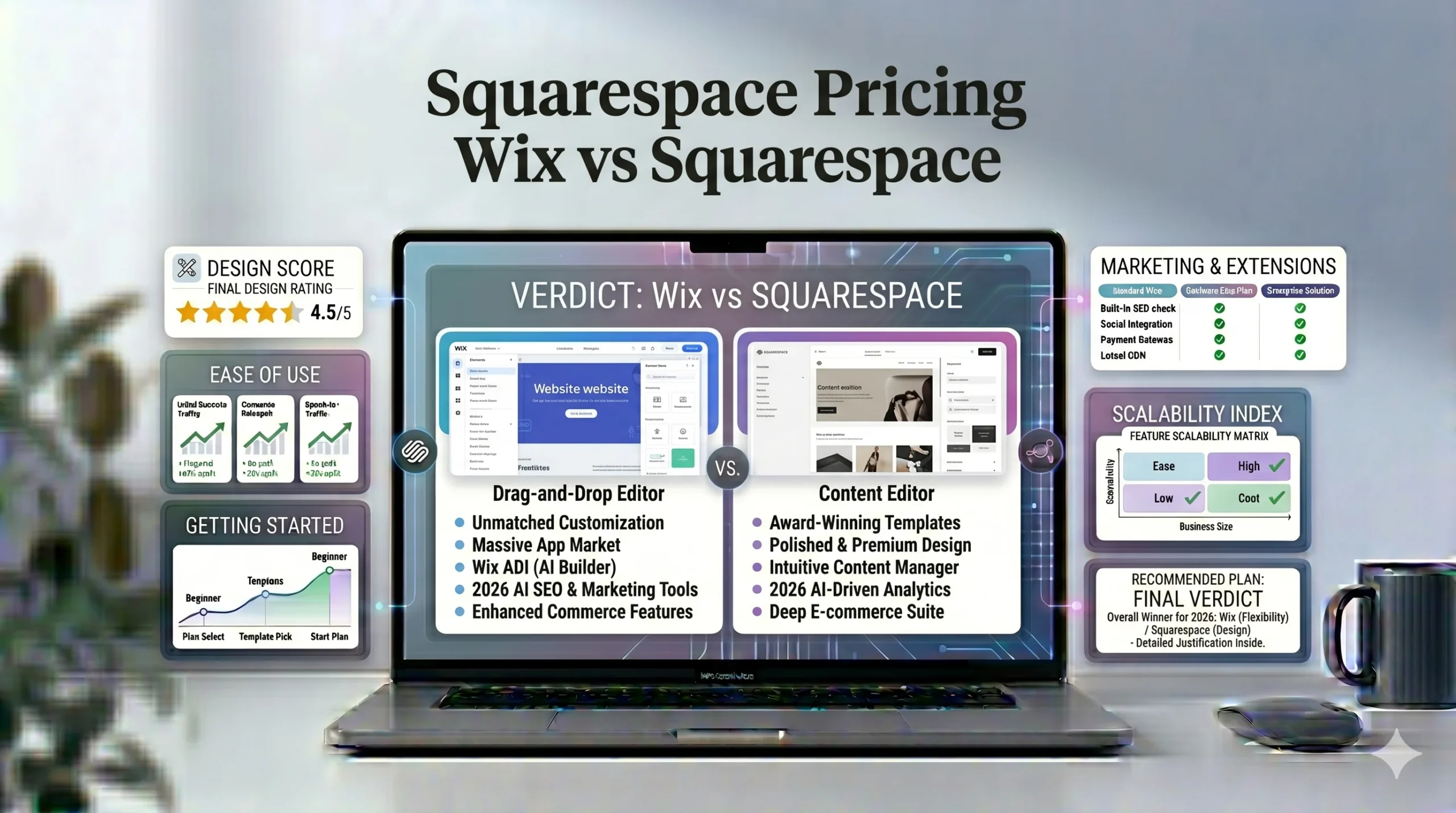
| Feature | Wix | Squarespace |
|---|---|---|
| Editor Style | Drag-and-drop | Section-based |
| Design Flexibility | Very high | Moderate |
| Template Quality | Large variety | Highly polished |
| Ecommerce | Strong | Strong |
| SEO Tools | Beginner-friendly | Strong built-in SEO |
| Blogging | Good | Very good |
| App Marketplace | Large | Smaller |
| Free Plan | Yes | No permanent free plan |
| Best For | Flexibility | Clean professional design |
What Is Wix?
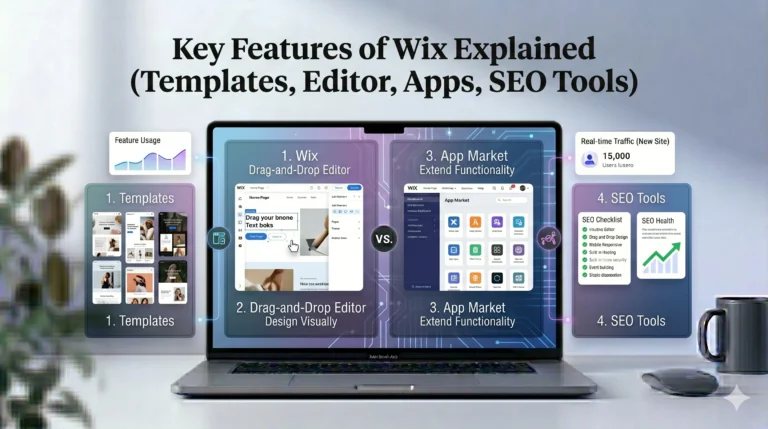
Wix is a cloud-based website builder designed for beginners, freelancers, small businesses, bloggers, and ecommerce stores.
The platform offers:
- Drag-and-drop editing
- Hundreds of templates
- Ecommerce tools
- SEO features
- App integrations
- AI-assisted website setup
Wix is widely recognized for giving users significant creative control over layouts.
What Is Squarespace?
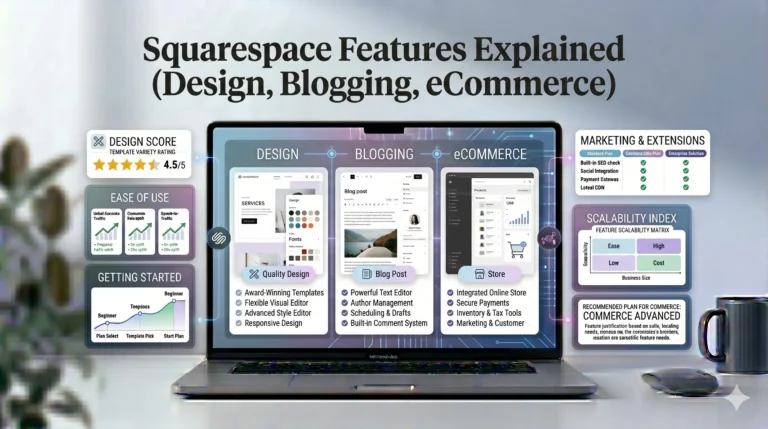
Squarespace is an all-in-one website builder focused on clean design and structured editing.
The platform includes:
- Hosting
- Templates
- Ecommerce
- Blogging
- SEO tools
- Analytics
Squarespace is especially popular among:
- Designers
- Photographers
- Creative professionals
- Minimalist brands
Ease of Use: Which Platform Is Better for Beginners?
Ease of use is one of the most important factors for beginners.
Wix Ease of Use
Wix uses a true drag-and-drop editor.
Users can:
- Move elements freely
- Customize layouts visually
- Add apps easily
- Edit pages without coding
Advantages
- Extremely flexible
- Beginner-friendly
- Creative freedom
- Easy content editing
Limitations
Too much flexibility can sometimes lead to:
- Cluttered layouts
- Inconsistent design
- Poor spacing choices
Squarespace Ease of Use
Squarespace uses a structured section-based editor.
Users build websites using:
- Content blocks
- Layout sections
- Pre-designed structures
Advantages
- Cleaner layouts
- Better design consistency
- Easier responsive design management
Limitations
- Less layout freedom
- Slight learning curve initially
Winner for Ease of Use
Best for Creative Flexibility:
Wix
Best for Structured Simplicity:
Squarespace
Templates and Design Quality
Templates significantly influence how professional a website looks.
Wix Templates
Wix offers hundreds of templates across industries including:
- Ecommerce
- Restaurants
- Blogs
- Portfolios
- Agencies
- Service businesses
Wix Design Strengths
- Large variety
- High customization
- Flexible layouts
Wix Design Weaknesses
Design quality can vary because users have extensive editing freedom.
Squarespace Templates
Squarespace templates are known for:
- Minimalist aesthetics
- Strong typography
- Balanced spacing
- Professional presentation
Squarespace Design Strengths
- Polished layouts
- Professional consistency
- Strong visual branding
Squarespace Design Weaknesses
- Fewer templates
- Less creative flexibility
Winner for Templates and Design
Best for Flexibility:
Wix
Best for Professional Visual Consistency:
Squarespace
Pricing Comparison
Pricing is often a deciding factor for beginners.
Wix Pricing
Wix offers:
- Free plan
- Website plans
- Ecommerce plans
Wix Pricing Advantages
- Permanent free plan
- Flexible pricing tiers
- Easy entry for beginners
Wix Pricing Drawbacks
Costs may increase through:
- Paid apps
- Domain renewals
- Business tools
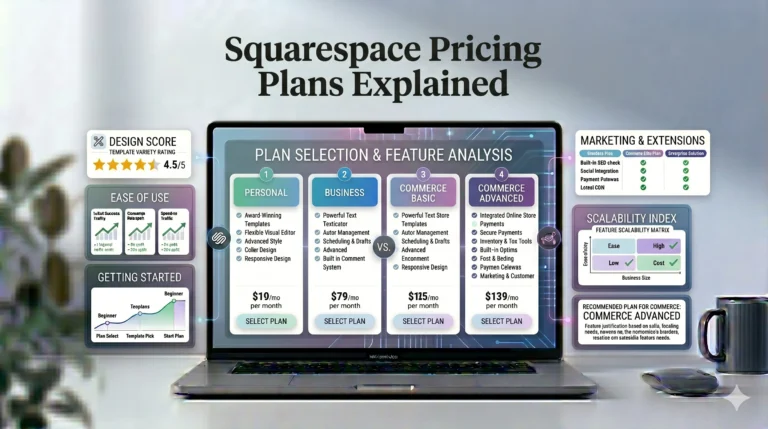
Squarespace Pricing
Squarespace offers:
- Personal plans
- Business plans
- Commerce plans
Squarespace Pricing Advantages
- Many tools included
- Hosting included
- Strong design value
Squarespace Pricing Drawbacks
- No permanent free plan
- Ecommerce tiers can become expensive
Winner for Pricing
Best Budget Entry:
Wix
Best All-In-One Premium Experience:
Squarespace
SEO Features Comparison
SEO is essential for organic traffic growth.
Wix SEO Features
Wix includes:
- Meta title editing
- Custom URLs
- Mobile optimization
- SEO setup checklist
- Google Search Console integration
Wix SEO Strengths
- Beginner-friendly SEO setup
- Guided optimization tools
- Strong local SEO support
Wix SEO Limitations
Advanced technical SEO flexibility is somewhat limited.
Squarespace SEO Features
Squarespace supports:
- Metadata editing
- SSL security
- Mobile responsiveness
- Clean URL structures
- Sitemap generation
Squarespace SEO Strengths
- Clean template structures
- Strong mobile optimization
- Integrated SEO basics
Squarespace SEO Limitations
Fewer advanced SEO customization options compared to WordPress.
Winner for SEO
For most beginners, both platforms provide strong SEO foundations.
Best Beginner SEO Guidance:
Wix
Best Clean Structured SEO Experience:
Squarespace
Ecommerce Comparison
Both platforms support ecommerce websites.
Wix Ecommerce
Wix ecommerce features include:
- Product management
- Online payments
- Inventory tracking
- Booking systems
- Subscription sales
Wix Ecommerce Strengths
- Strong app ecosystem
- Flexible store customization
- Good beginner ecommerce tools
Wix Ecommerce Weaknesses
Very large stores may outgrow the platform.
Squarespace Ecommerce
Squarespace ecommerce focuses heavily on:
- Product presentation
- Design consistency
- Visual branding
Squarespace Ecommerce Strengths
- Beautiful product layouts
- Strong brand presentation
- Integrated store experience
Squarespace Ecommerce Weaknesses
- Smaller app ecosystem
- Less flexibility than Wix
Winner for Ecommerce
Best for Flexible Store Features:
Wix
Best for Visual Ecommerce Brands:
Squarespace
Blogging Features Comparison
Blogging remains important for SEO and content marketing.
Wix Blogging
Wix blogging supports:
- Categories
- Tags
- SEO metadata
- Media embedding
Best For
- Small business blogs
- Beginner content creators
Squarespace Blogging
Squarespace blogging emphasizes:
- Visual presentation
- Clean layouts
- Integrated content structure
Best For
- Creative blogs
- Lifestyle websites
- Photography content
Winner for Blogging
Best Visual Blogging Experience:
Squarespace
Best Flexible Content Setup:
Wix
Performance and Scalability
Website performance affects:
- SEO
- User experience
- Conversion rates
Wix Performance
Performance depends heavily on:
- Installed apps
- Animations
- Image optimization
Poorly optimized websites may load slowly.
Squarespace Performance
Squarespace’s structured design system often helps maintain:
- Consistent layouts
- Stable responsiveness
- Cleaner mobile experiences
Scalability
Neither platform is ideal for:
- Enterprise-level web applications
- Massive ecommerce operations
- Highly custom backend systems
For advanced scaling, businesses may eventually move to:
- WordPress
- Shopify
- Custom development
Pros and Cons Summary
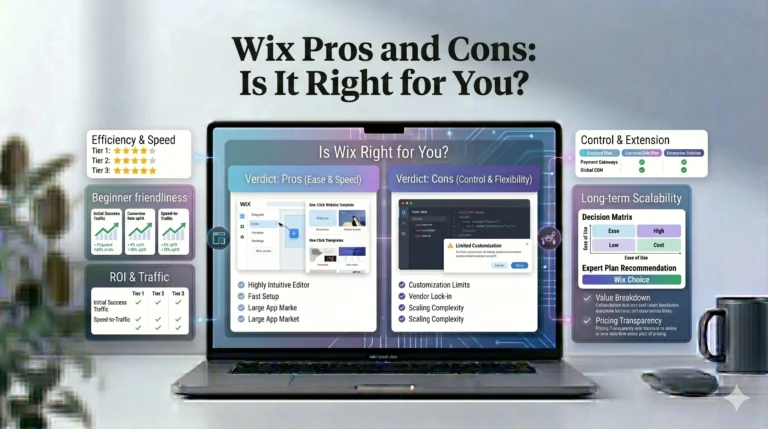
| Wix Pros | Wix Cons |
|---|---|
| Flexible editor | Can become cluttered |
| Large app marketplace | Template switching limitations |
| Beginner-friendly | Performance depends on design |
| Free plan available | Long-term costs can increase |
| Squarespace Pros | Squarespace Cons |
|---|---|
| Professional templates | Less design freedom |
| Strong visual branding | No permanent free plan |
| Structured layouts | Smaller app ecosystem |
| Excellent portfolios | Slight learning curve |
Who Should Use Wix?
Wix Is Best For
- Beginners
- Freelancers
- Small businesses
- Flexible website designs
- Creative layouts
- App-heavy websites
Who Should Use Squarespace?
Squarespace Is Best For
- Photographers
- Designers
- Creative professionals
- Minimalist brands
- Portfolio websites
- Design-focused ecommerce stores
Actionable Tips Before Choosing
Choose Based on Workflow
Ask yourself:
- Do you prefer creative freedom?
- Or structured simplicity?
Consider Long-Term Growth
Think about:
- Ecommerce needs
- Content strategy
- Marketing tools
- Future scalability
Test Both Platforms
Using free trials helps determine:
- Editor comfort
- Workflow preference
- Design flexibility
Frequently Asked Questions
Is Wix better than Squarespace in 2026?
It depends on your priorities. Wix offers greater flexibility, while Squarespace focuses more on polished structured design.
Which platform is easier for beginners?
Wix is often easier for creative flexibility, while Squarespace simplifies layout consistency.
Which platform is better for SEO?
Both platforms provide solid SEO tools for small-to-medium websites.
Is Squarespace better for portfolios?
Yes. Squarespace is widely recognized for strong portfolio and visual presentation features.
Does Wix have a free plan?
Yes. Wix offers a permanent free plan, although it includes Wix branding and limitations.
Final Verdict
Both Wix and Squarespace remain among the best website builders available in 2026, but they serve slightly different audiences.
Wix is generally the better option for users who prioritize:
- Design flexibility
- Drag-and-drop editing
- Extensive app integrations
- Creative customization
Meanwhile, Squarespace is often the stronger choice for users who value:
- Professional visual consistency
- Minimalist design
- Structured layouts
- Portfolio presentation
For most beginners, neither platform is universally “better.” The right choice depends on:
- Website goals
- Design preferences
- Budget
- Ecommerce needs
- Workflow style
Users wanting maximum creative control may feel more comfortable with Wix, while those preferring polished professional layouts with less design complexity may find Squarespace more suitable.