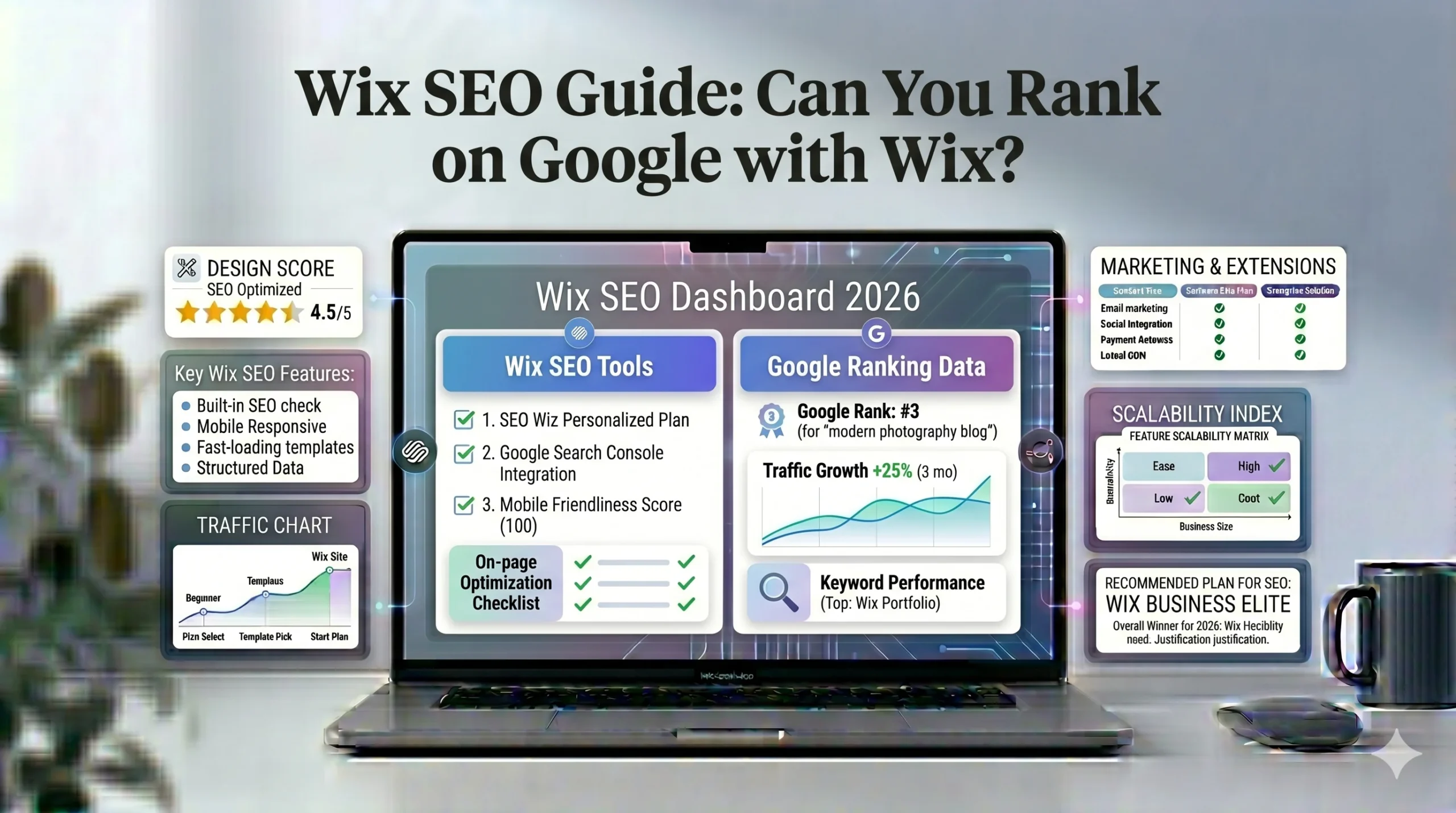
Wix SEO Guide: Can You Rank on Google with Wix?
Search engine optimization (SEO) is one of the most important factors when building a website. A visually attractive website may still struggle to attract visitors if it cannot appear in search engine results.
For years, website builders were often criticized for weak SEO capabilities. Among them, Wix faced ongoing debate about whether websites built on the platform could rank effectively on Google.
Today, the situation is very different. Wix has significantly improved its SEO tools, site infrastructure, and performance features. However, many beginners still ask an important question:
Can you actually rank on Google with Wix?
The short answer is yes — but ranking success depends on more than just the website builder itself.
This guide explains how Wix SEO works, its strengths and limitations, how it compares with Squarespace and other platforms, and what users can realistically expect when using Wix for SEO-focused websites.
The goal is to provide practical, beginner-friendly guidance without exaggerated claims or biased recommendations.
What Is Wix SEO?
Wix SEO refers to the search engine optimization features and tools available inside the Wix platform.
These tools help users:
- Improve search visibility
- Optimize pages for keywords
- Enhance mobile usability
- Connect with Google services
- Improve technical SEO basics
Wix includes built-in SEO settings that beginners can manage without coding knowledge.
Can You Rank on Google With Wix?
Yes, websites built with Wix can rank on Google.
Many Wix websites successfully rank for:
- Local business keywords
- Blog content
- Service pages
- Product searches
- Portfolio searches
However, SEO performance depends on several factors beyond the website builder itself.
Important Ranking Factors
Google rankings are influenced by:
- Content quality
- Keyword targeting
- Backlinks
- User experience
- Website speed
- Mobile optimization
- Search intent alignment
The website builder alone does not guarantee rankings.
Common Misconception
Some users assume switching platforms automatically improves SEO. In reality, poorly optimized content will struggle regardless of whether it is built on Wix, Squarespace, or WordPress.
Wix SEO Features Explained
Wix has added many SEO improvements over the years.
Let’s examine the most important features.
1. Custom Meta Titles and Descriptions
Meta titles and descriptions help search engines understand page content.
Wix allows users to customize:
- SEO page titles
- Meta descriptions
- Social sharing previews
Why This Matters
Optimized metadata can improve:
- Search visibility
- Click-through rates
- Keyword relevance
Beginner Tip
Keep titles:
- Clear
- Descriptive
- Keyword-focused
Avoid keyword stuffing.
2. Custom URLs
Wix allows users to edit page URLs.
Example:
Instead of:
- yoursite.com/page-1
You can create:
- yoursite.com/wix-seo-guide
Why This Helps SEO
Clean URLs:
- Improve readability
- Help keyword targeting
- Create better user experience
3. Mobile Optimization
Google primarily uses mobile-first indexing.
This means mobile usability directly affects SEO.
Wix Mobile Features
Wix automatically generates mobile-friendly versions of websites.
Users can also manually adjust:
- Mobile layouts
- Text sizing
- Image placement
- Mobile menus
Why It Matters
Poor mobile experiences can reduce:
- Rankings
- Engagement
- Conversion rates
4. Built-In SSL Security
SSL certificates secure website connections.
Wix includes SSL security automatically on premium plans.
SEO Importance
Google treats HTTPS security as a ranking signal.
Secure websites also:
- Build trust
- Improve user confidence
- Protect data
5. Automatic Sitemap Generation
A sitemap helps search engines discover website pages.
Wix automatically generates XML sitemaps for websites.
Benefits
This helps:
- Faster indexing
- Better page discovery
- Improved crawl efficiency
Beginners do not need technical knowledge to configure this manually.
6. Wix SEO Setup Checklist
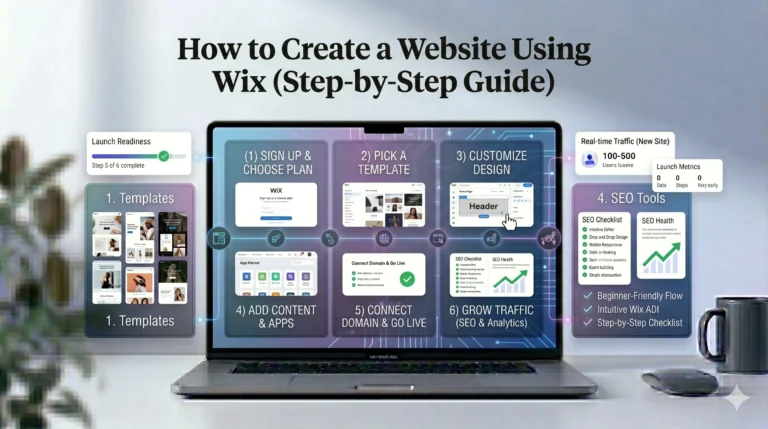
One of Wix’s beginner-friendly SEO tools is the SEO Setup Checklist.
What It Does
The checklist guides users through:
- Keyword setup
- Page optimization
- Google Search Console connection
- Indexing steps
Why Beginners Like It
Many new website owners feel overwhelmed by SEO terminology. Wix simplifies the process with guided instructions.
Wix Blogging and Content SEO
Content marketing plays a major role in SEO success.
Wix includes blogging functionality that supports:
- Categories
- Tags
- Featured images
- SEO metadata
- Internal linking
Why Blogging Matters
Publishing useful content helps websites:
- Target more keywords
- Build authority
- Attract backlinks
- Increase organic traffic
Example Use Cases
Businesses can publish:
- Tutorials
- Product guides
- FAQs
- Industry insights
- Local content
Important Reality Check
Simply creating blog posts is not enough.
Content should:
- Solve user problems
- Match search intent
- Be well-structured
- Offer unique value
Wix SEO Pros
Beginner-Friendly SEO Setup
Wix simplifies SEO for non-technical users.
This is particularly useful for:
- Small businesses
- Freelancers
- Local services
- First-time website creators
Strong Core SEO Features
Modern Wix websites support:
- Metadata editing
- Structured page URLs
- Mobile optimization
- SSL security
- Sitemap generation
These are essential SEO foundations.
Integrated SEO Tools
Unlike some platforms requiring plugins, Wix includes many SEO tools directly inside the platform.
This reduces complexity for beginners.
Good Local SEO Potential
Local businesses can perform well using:
- Google Business Profile integration
- Local keyword targeting
- Contact pages
- Service pages
Examples include:
- Restaurants
- Consultants
- Salons
- Agencies
Wix SEO Cons
Limited Advanced Technical Control
Compared to platforms like WordPress, Wix offers less technical flexibility.
Advanced SEO users may want:
- Custom server settings
- Deep plugin ecosystems
- Advanced schema controls
Performance Depends on Site Design
Heavy Wix websites with:
- Large images
- Many animations
- Excessive apps
can load slowly.
Why Speed Matters
Page speed affects:
- Rankings
- Bounce rates
- User experience
Optimization Tips
To improve performance:
- Compress images
- Limit animations
- Remove unused apps
Large Websites May Face Limitations
Wix works well for small-to-medium websites, but very large projects may require more scalable systems.
Examples include:
- Enterprise ecommerce stores
- Massive publishing platforms
- Complex web applications
Wix vs Squarespace for SEO
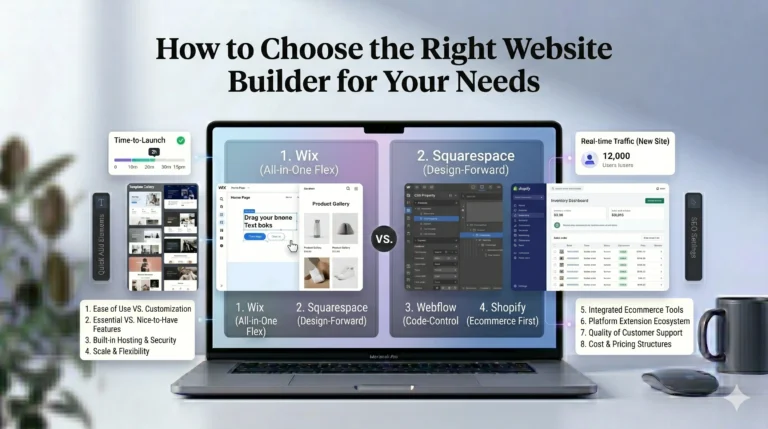
Many users compare Wix vs Squarespace for search optimization.
| Feature | Wix | Squarespace |
|---|---|---|
| Beginner SEO Setup | Very beginner-friendly | Beginner-friendly |
| SEO Customization | Strong | Strong |
| Template Flexibility | High | Moderate |
| Blogging Tools | Good | Strong visual blogging |
| App Ecosystem | Large | Smaller |
| Design Structure | Flexible | More structured |
When Wix May Be Better
Wix may work better for:
- Users wanting flexibility
- Local businesses
- Creative websites
- Beginners needing guidance
When Squarespace May Be Better
Squarespace may appeal more to:
- Design-focused brands
- Minimalist websites
- Structured content creators
Real-World SEO Use Cases for Wix
Local Business Website
A local plumbing company can use Wix SEO tools to:
- Target city-based keywords
- Add service pages
- Optimize contact information
- Rank in local searches
Blogger or Content Website
A niche blogger can:
- Publish SEO articles
- Build internal links
- Target long-tail keywords
- Grow organic traffic
Ecommerce Store
A small ecommerce brand can optimize:
- Product pages
- Category pages
- Product descriptions
- Image alt text
to improve visibility in product searches.
Actionable Wix SEO Tips
1. Focus on Search Intent
Do not target keywords blindly.
Ask:
- What is the user trying to solve?
- What type of content ranks currently?
2. Optimize Page Titles Carefully
Good page titles should:
- Include target keywords
- Remain readable
- Avoid excessive length
3. Compress Images
Large images slow websites down.
Use:
- Optimized image sizes
- Modern formats
- Descriptive alt text
4. Publish Helpful Content Consistently
SEO is long-term.
Regular content updates help:
- Build authority
- Increase visibility
- Expand keyword reach
5. Improve Internal Linking
Link related pages together naturally.
This helps:
- Search engines crawl websites
- Users navigate content
- Content hierarchy
Who Should Use Wix for SEO?
Wix Is Best For
- Beginners
- Small businesses
- Local services
- Freelancers
- Bloggers
- Portfolio websites
Wix May Not Be Ideal For
- Enterprise SEO teams
- Highly technical developers
- Extremely large websites
Frequently Asked Questions
Can Wix websites rank on Google?
Yes. Many Wix websites rank successfully when they use strong SEO practices and high-quality content.
Is Wix SEO good for beginners?
Yes. Wix offers beginner-friendly SEO tools and guided optimization checklists.
Is Wix better than Squarespace for SEO?
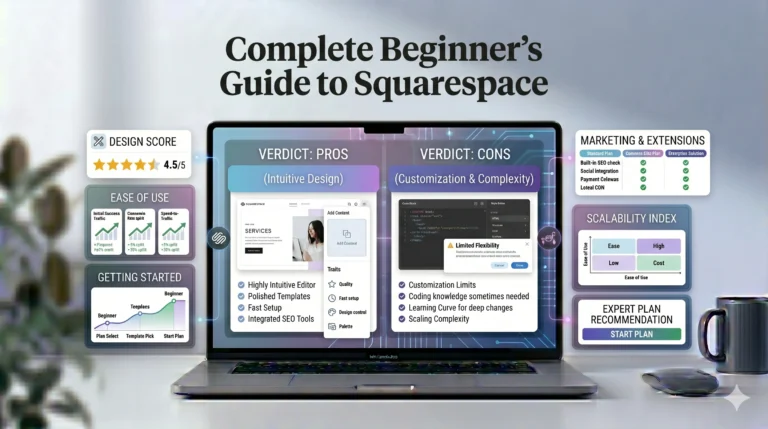
Both platforms offer solid SEO foundations. Wix provides more flexibility, while Squarespace emphasizes structured design and content presentation.
Does Wix support blogging for SEO?
Yes. Wix includes blogging tools that support metadata, categories, tags, and content publishing.
Can Wix compete with WordPress for SEO?
For small-to-medium websites, Wix can perform well. However, advanced SEO professionals may still prefer WordPress for greater technical flexibility.
Final Verdict
Wix has evolved into a capable SEO-friendly website builder suitable for beginners, small businesses, bloggers, and creative professionals. Its built-in SEO tools, mobile optimization, SSL security, and beginner-focused setup features provide a strong foundation for websites aiming to rank on Google.
While Wix still has limitations compared to highly customizable platforms like WordPress, most users do not require enterprise-level technical SEO controls. For many small and medium websites, content quality, keyword strategy, and user experience matter far more than the platform itself.
Users who value:
- Ease of use
- Flexible design
- Integrated SEO tools
- Beginner-friendly workflows
may find Wix a practical solution.
Meanwhile, users prioritizing highly structured design systems may still prefer Squarespace.
Ultimately, successful SEO depends less on the website builder and more on how effectively users create valuable content, optimize their pages, and serve audience needs over time.