What Is a Website Builder and How Does It Work?
Introduction
Creating a website once required coding knowledge, technical setup, and expensive development resources. Today, website builders have made the process much more accessible for beginners, small businesses, freelancers, and creators.
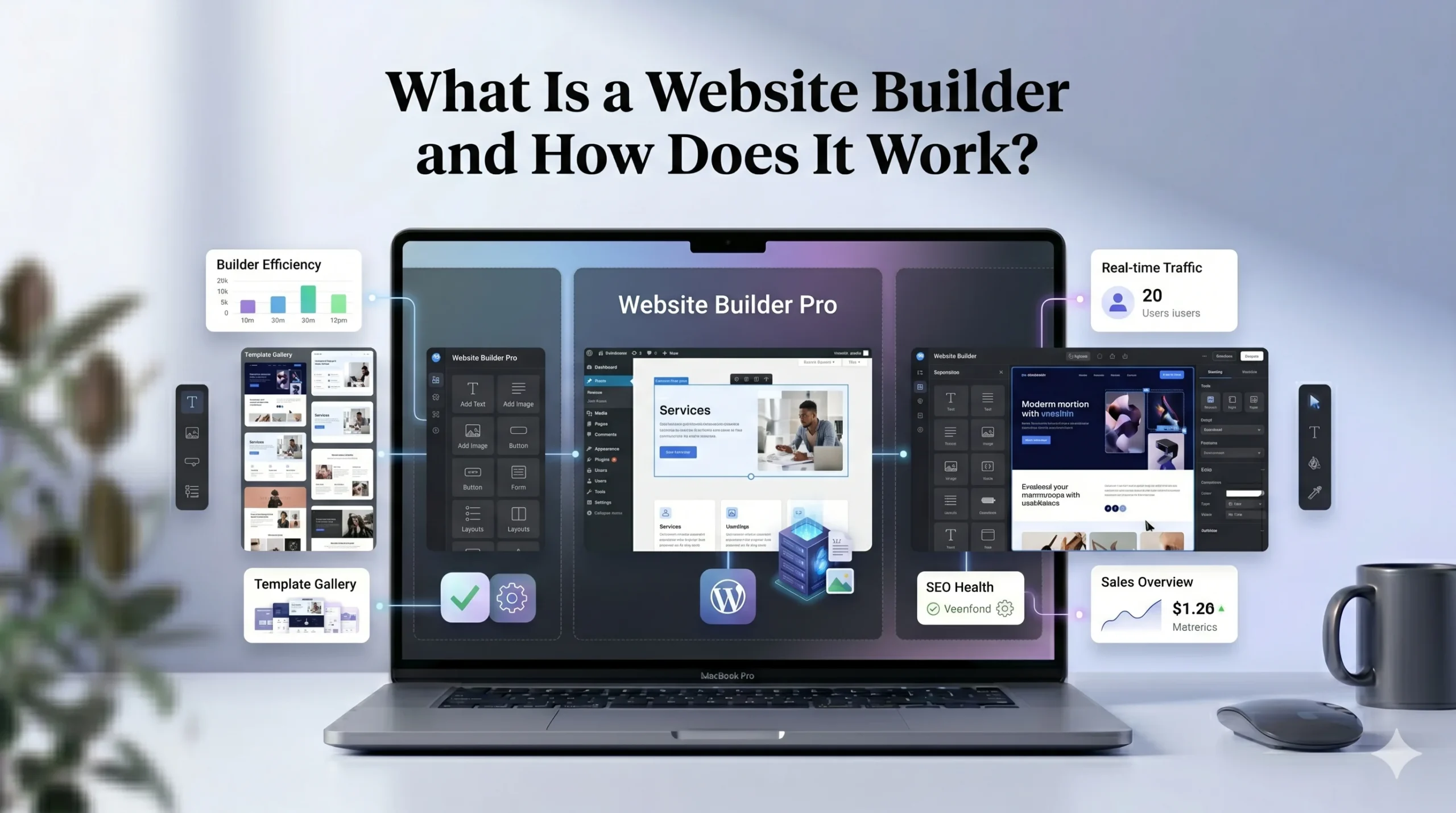
A website builder is an online platform that helps users design, customize, and publish websites without needing advanced programming skills. These platforms combine hosting, design tools, templates, and website management into one system.
In this guide, you will learn:
- What a website builder is
- How website builders work
- The main features they offer
- Pros and cons of using one
- Differences between Wix and Squarespace
- Who should use a website builder
- What to consider before choosing a platform
Whether you are starting a personal blog, online portfolio, business website, or online store, understanding how website builders work can help you choose the right solution with confidence.
What Is a Website Builder?
A website builder is software or an online platform that allows users to create websites using visual editing tools instead of manual coding.
Most modern website builders use a drag-and-drop interface where users can:
- Add text and images
- Customize layouts
- Create pages
- Install features
- Publish websites online
Instead of writing HTML, CSS, or JavaScript from scratch, users manage everything through a simplified dashboard.
Website builders are designed to reduce the technical barriers involved in web development. This makes them especially useful for:
- Beginners
- Small businesses
- Freelancers
- Bloggers
- Creators
- Startups
Popular website builders include:
- Wix
- Squarespace
- Shopify
- WordPress.com
How Does a Website Builder Work?
Website builders simplify website creation by combining multiple services into one platform.
Instead of purchasing separate hosting, themes, plugins, and security tools, everything is managed in one place.
Here is the typical process.
Choose a Template
Most website builders provide professionally designed templates for different industries.
Examples include:
- Business websites
- Restaurants
- Portfolios
- Blogs
- Online stores
- Photography websites
Users can select a template and customize it according to their needs.
Customize the Design
Website builders usually include visual editors that allow users to:
- Change fonts and colors
- Rearrange sections
- Upload images
- Add videos
- Create galleries
- Edit layouts
This process is typically drag-and-drop, meaning users can visually move elements around the page.
Add Website Features
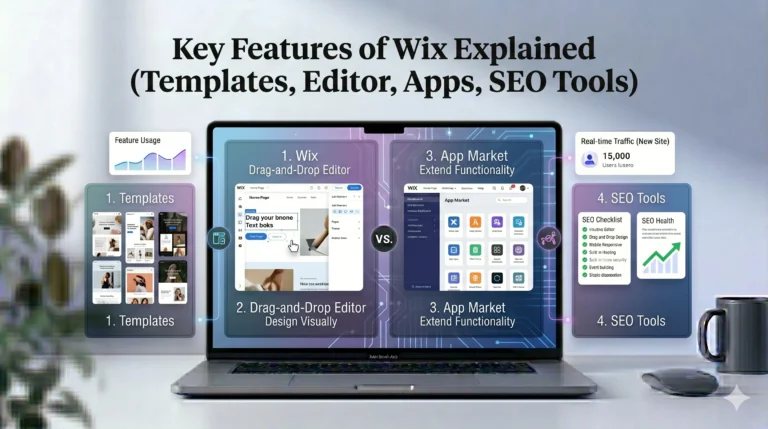
Most platforms include built-in tools or app marketplaces.
These may include:
- Contact forms
- Booking systems
- SEO tools
- Online stores
- Blog functionality
- Email marketing integrations
- Analytics
Connect a Domain
Users can connect a custom domain such as:
- yourbusiness.com
- yourportfolio.net
Many website builders also offer domain registration directly through the platform.
Publish the Website
Once the website is complete, users can publish it with a single click.
The website builder handles:
- Hosting
- Security
- Performance optimization
- Software updates
This all-in-one approach is one reason website builders are popular among beginners.
Main Features of Modern Website Builders
Different platforms offer different tools, but most include several core features.
Drag-and-Drop Editor
This allows users to visually design pages without coding.
Some editors offer complete design freedom, while others use structured layouts to maintain consistency.
Responsive Templates
Modern website builders automatically optimize websites for:
- Mobile devices
- Tablets
- Desktop screens
Mobile responsiveness is important for both user experience and SEO.
Built-In Hosting
Website hosting is typically included in the monthly subscription.
Users do not need to purchase separate hosting services.
SEO Tools
Most platforms provide:
- Meta title editing
- Meta descriptions
- Image alt text
- URL customization
- Sitemap generation
These tools help websites appear in search engine results.
eCommerce Features
Many website builders support online selling through:
- Product pages
- Payment gateways
- Inventory management
- Shipping settings
This makes them useful for small and medium-sized online stores.
Security and Maintenance
Website builders usually manage:
- SSL certificates
- Security updates
- Backups
- Performance optimization
This reduces technical maintenance for users.
Advantages of Using a Website Builder
Website builders provide several practical benefits, especially for beginners.
Easy to Use
Most platforms are designed for non-technical users.
Even users with no coding experience can build functional websites relatively quickly.
Faster Setup
Traditional web development can take weeks or months.
Website builders often allow users to launch websites within hours or days.
Lower Initial Costs
Hiring developers and designers can be expensive.
Website builders offer affordable monthly plans that include hosting and maintenance.
All-in-One Solution
Users manage:
- Design
- Hosting
- Security
- Updates
- Content
From a single dashboard.
Regular Updates
Most platforms continuously improve their tools and security systems without requiring manual updates from users.
Disadvantages of Website Builders
While website builders are convenient, they also have limitations.
Limited Flexibility
Compared to fully custom websites, website builders may restrict:
- Advanced functionality
- Backend customization
- Server access
Monthly Subscription Costs
Although affordable initially, ongoing subscription fees can add up over time.
Platform Dependency
Moving a website from one builder to another can sometimes be difficult.
Some platforms do not allow full export flexibility.
Performance Limitations
Complex websites with advanced custom features may outgrow simpler website builder systems.
Wix vs Squarespace: Key Differences
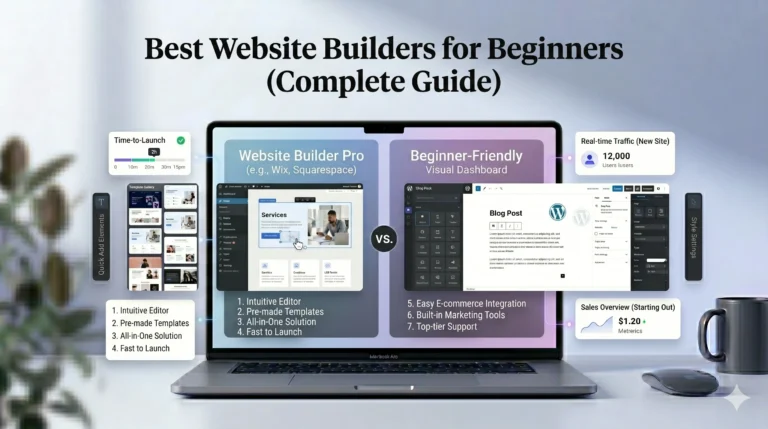
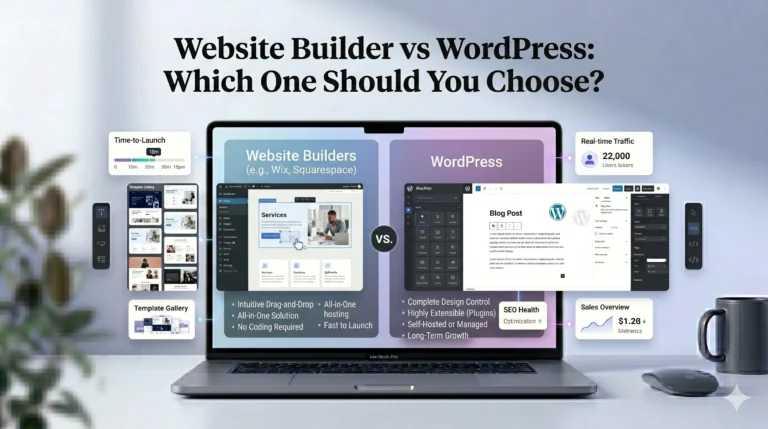
Two of the most popular website builders are Wix and Squarespace. Both are beginner-friendly, but they target slightly different users.
| Feature | Wix | Squarespace |
|---|---|---|
| Ease of Use | Very beginner-friendly | Beginner-friendly with structured editing |
| Design Flexibility | Highly customizable | More design-focused and polished |
| Templates | Large template library | Smaller but premium-quality templates |
| SEO Tools | Strong SEO customization | Good built-in SEO features |
| eCommerce | Suitable for small to medium stores | Strong for creative businesses and boutiques |
| Blogging | Good blogging tools | Clean blogging experience |
| App Marketplace | Extensive app library | More limited integrations |
| Best For | Beginners and flexibility | Designers, creatives, portfolios |
Wix Overview
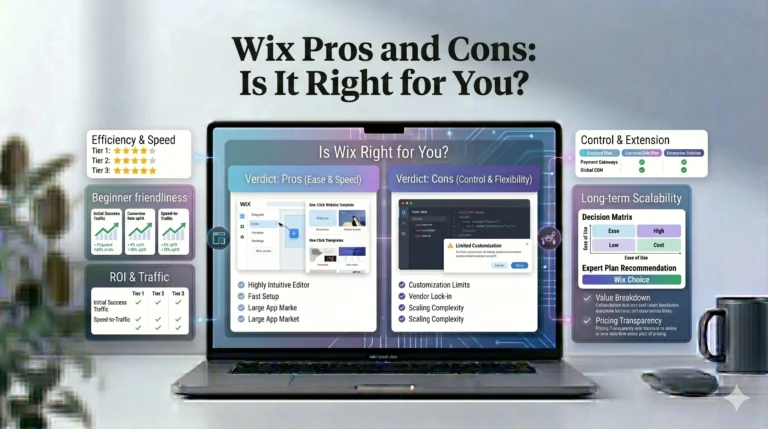
Wix is often recommended for beginners because of its flexible drag-and-drop editor and large app marketplace.
It works well for:
- Small businesses
- Local services
- Personal websites
- Beginners wanting customization
Wix also provides AI-based website setup tools that help users build websites faster.
Squarespace Overview
Squarespace is known for its polished templates and clean visual design.
It is commonly used by:
- Photographers
- Designers
- Artists
- Creators
- Portfolio websites
Squarespace focuses more on design consistency and aesthetics than deep customization.
Who Should Use a Website Builder?
Website builders are ideal for users who want simplicity and efficiency.
Small Businesses
Businesses can quickly create:
- Service pages
- Contact forms
- Booking systems
- Business portfolios
Without hiring developers.
Freelancers and Creators
Designers, writers, photographers, and creators can build professional portfolios and personal brands.
Bloggers
Website builders often include built-in blogging tools that simplify content publishing.
Online Stores
Small and medium eCommerce businesses can launch stores without managing technical infrastructure.
Beginners
Website builders are especially useful for users learning website creation for the first time.
Tips for Choosing the Best Website Builder
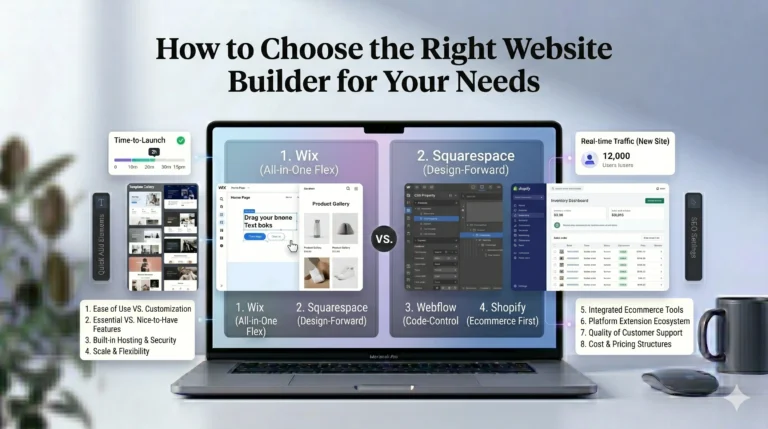
Choosing the best website builder depends on your goals and experience level.
Define Your Website Goals
Ask yourself:
- Is this a business website?
- An online store?
- A portfolio?
- A blog?
Different builders specialize in different use cases.
Consider Ease of Use
Beginners may prefer simpler editors and guided setup tools.
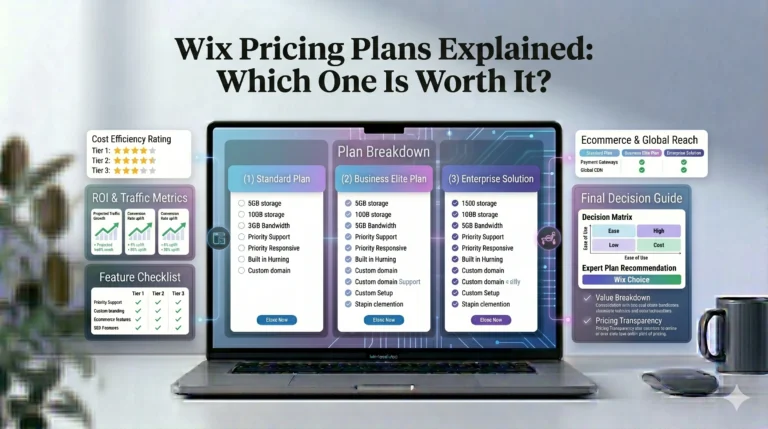
Compare Pricing Carefully
Review:
- Monthly costs
- Transaction fees
- Domain pricing
- App costs
Before committing long-term.
Evaluate SEO Features
Good SEO tools are important if you want organic traffic from search engines.
Check Scalability
Choose a platform that can grow with your website over time.
Real-World Use Cases
Local Business Website
A restaurant or service business can use a website builder to create:
- Service pages
- Contact forms
- Maps
- Booking systems
Portfolio Website
Photographers and designers often use visually focused platforms like Squarespace.
Online Store
A small clothing brand can use Wix or Squarespace to:
- Sell products
- Process payments
- Manage inventory
Without technical setup.
Personal Blog
Writers and hobbyists can launch blogs quickly using built-in content tools.
FAQs
Are website builders good for SEO?
Yes. Most modern website builders include built-in SEO tools such as custom meta tags, clean URLs, mobile responsiveness, and sitemap generation.
Do I need coding skills to use a website builder?
No. Most website builders are designed for beginners and use drag-and-drop editors.
Can I create an online store with a website builder?
Yes. Platforms like Wix and Squarespace include eCommerce features for selling products online.
Is Wix better than Squarespace?
It depends on your needs. Wix offers more flexibility and customization, while Squarespace focuses more on design quality and visual presentation.
Can I switch website builders later?
Yes, but migration can sometimes be difficult depending on the platform and content structure.
Final Verdict
Website builders have made website creation significantly more accessible for beginners and small businesses. They simplify complex technical processes by combining hosting, design, security, and management tools into one platform.
For users who prioritize flexibility and beginner-friendly customization, Wix is often a practical option.
For users focused on elegant design, portfolios, and visual presentation, Squarespace may be a better fit.
Neither platform is universally “best” for everyone. The right choice depends on your goals, budget, design preferences, and technical comfort level.
Before choosing a website builder, take time to evaluate:
- Your website goals
- Your long-term needs
- Available features
- Pricing structure
- SEO capabilities
- Ease of use
A thoughtful decision will help you build a website that supports your goals effectively without unnecessary complexity.