Wix Pros and Cons: Is It Right for You?
Choosing the right website builder can significantly affect how easy it is to launch, manage, and grow a website. For beginners, freelancers, bloggers, and small businesses, website builders simplify the process by combining hosting, templates, design tools, and SEO features into one platform.
Among the most recognized platforms in this category is Wix. It is often recommended because of its drag-and-drop editor, large template library, and beginner-friendly interface. However, no website builder is perfect for every user.
Some people appreciate Wix for its flexibility and ease of use, while others prefer alternatives like Squarespace because of its structured design approach and cleaner editing experience.
This guide explores the major Wix pros and cons in a practical and neutral way. We will examine where Wix performs well, where it has limitations, and which types of users are most likely to benefit from the platform.
The goal is to help readers make an informed website builder decision based on actual needs rather than marketing promises.
What Is Wix?
Wix is a cloud-based website builder that allows users to create websites without coding.
The platform includes:
- Drag-and-drop website editing
- Website hosting
- Built-in SEO tools
- Ecommerce functionality
- Templates
- Blogging tools
- App integrations
Wix is commonly used for:
- Small business websites
- Personal portfolios
- Blogs
- Online stores
- Freelance websites
- Service-based businesses
One of Wix’s main strengths is accessibility for beginners.
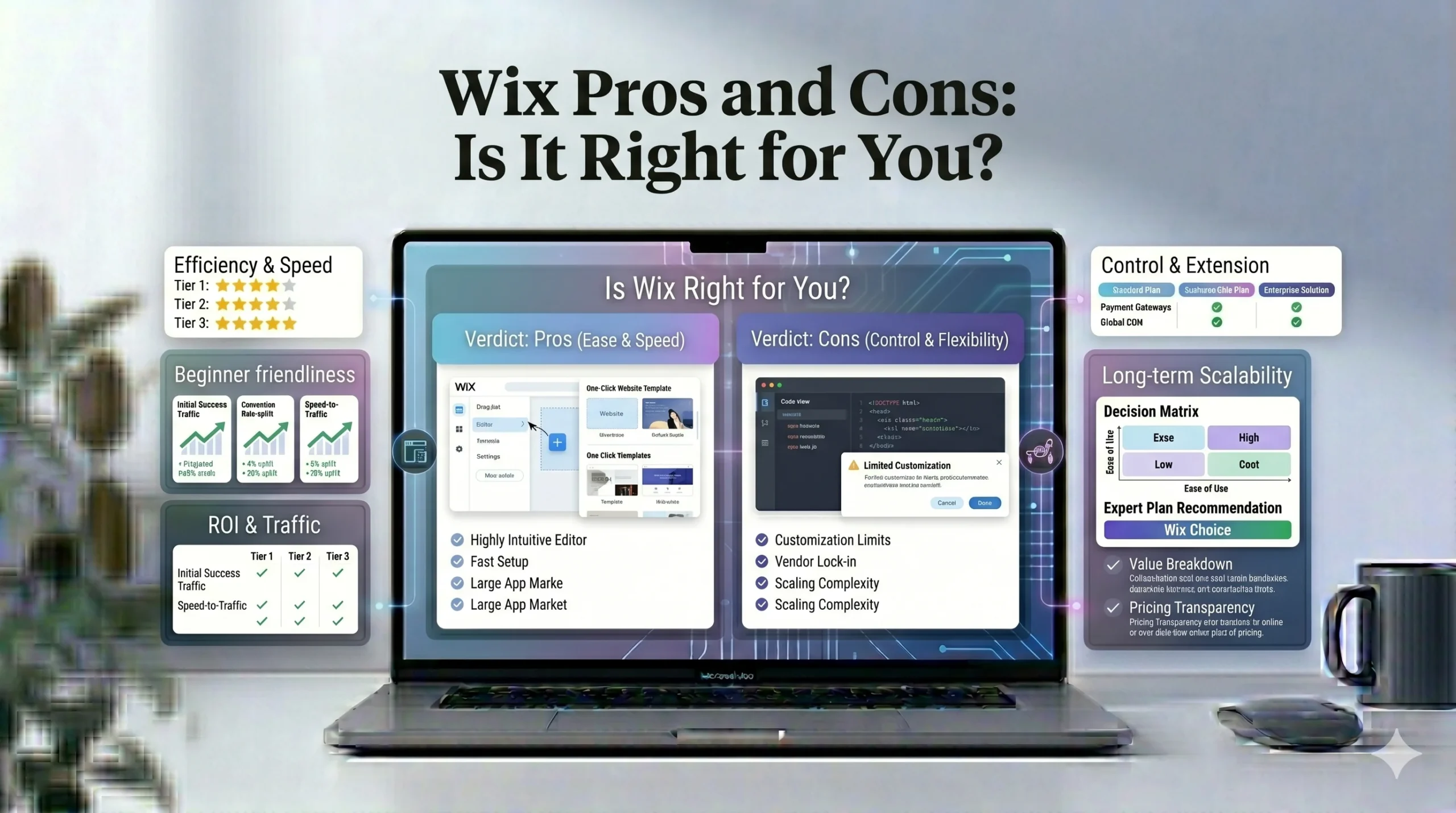
Quick Overview: Wix Pros and Cons
Before diving deeper, here is a quick summary.
| Wix Pros | Wix Cons |
|---|---|
| Beginner-friendly editor | Template switching limitations |
| Large template selection | Can become expensive with apps |
| Strong customization flexibility | Too much design freedom for some users |
| Built-in SEO tools | Advanced scalability limitations |
| Large app marketplace | Performance can vary |
| Ecommerce support | Less structured editing experience |
Wix Pros Explained
1. Beginner-Friendly Website Builder
One of the biggest reasons users choose Wix is ease of use.
The platform is designed for people with little or no coding experience.
Why Beginners Like Wix
Users can:
- Drag and drop elements visually
- Edit text directly
- Upload images easily
- Publish websites quickly
This removes much of the technical complexity associated with traditional website development.
Practical Example
A local bakery owner with no design background can build a functional website using templates and pre-built sections instead of hiring a developer.
Potential Drawback
Although Wix is beginner-friendly, too much freedom can occasionally overwhelm first-time users.
2. Large Template Library
Wix provides hundreds of templates across many industries.
Available Categories
Templates exist for:
- Restaurants
- Ecommerce stores
- Portfolios
- Blogs
- Consultants
- Agencies
- Fitness businesses
- Photography websites
Why This Matters
Industry-focused templates help beginners:
- Launch websites faster
- Reduce design guesswork
- Start with optimized layouts
Template Flexibility
Unlike structured builders, Wix allows users to move elements freely around the page.
This flexibility is useful for:
- Creative branding
- Custom landing pages
- Unique portfolio layouts
Main Limitation
Switching templates after significant editing is difficult. Users usually need to rebuild parts of the website manually if changing designs later.
3. Strong Design Flexibility
Wix offers more creative freedom than many beginner website builders.
What Users Can Customize
Users can adjust:
- Layout spacing
- Colors
- Fonts
- Sections
- Backgrounds
- Animations
- Galleries
This flexibility appeals to creative professionals and freelancers.
Real-World Use Case
Photographers and designers often use Wix because they can create visually unique websites without coding.
Potential Downside
Too much design freedom can sometimes lead to:
- Inconsistent layouts
- Poor spacing
- Cluttered pages
Beginners may need extra attention to maintain clean design practices.
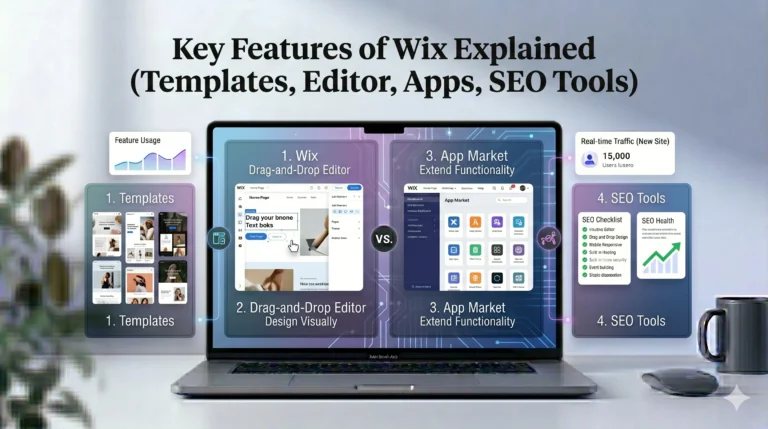
4. Built-In SEO Features
SEO tools are essential for visibility in search engines.
In earlier years, Wix received criticism regarding SEO performance, but the platform has improved considerably.
Wix SEO Features
Wix includes:
- Editable meta titles
- Meta descriptions
- Custom URLs
- SSL security
- Mobile optimization
- Image alt text
- Sitemap generation
Wix SEO Setup Checklist
Wix also provides guided SEO assistance for beginners.
This tool helps users:
- Connect search engines
- Improve indexing
- Optimize page structure
Who Benefits Most
Small businesses and beginner bloggers often find Wix SEO tools sufficient for basic optimization.
SEO Limitation
Advanced SEO professionals may still prefer platforms like WordPress because of deeper customization and plugin ecosystems.
5. Wix App Market Adds Flexibility
The Wix App Market extends website functionality without coding.
Popular Wix Apps
Examples include:
- Wix Stores
- Wix Bookings
- Wix Blog
- Wix Chat
- Wix Forms
Third-Party Integrations
Wix also integrates with:
- Google Analytics
- PayPal
- Stripe
- Mailchimp
Why Apps Matter
Apps help users add:
- Ecommerce features
- Booking systems
- Marketing tools
- Customer support functionality
Potential Limitation
Some apps require additional monthly fees, which can increase long-term costs.
6. Ecommerce Functionality for Small Businesses
Wix supports ecommerce for users wanting to sell products online.
Ecommerce Features
Depending on the plan, users can:
- Sell physical products
- Accept online payments
- Manage inventory
- Offer subscriptions
- Create discount codes
Best Ecommerce Use Cases
Wix works well for:
- Small online stores
- Boutique brands
- Handmade products
- Local businesses
Ecommerce Limitations
Larger enterprise-level stores may eventually outgrow Wix and require more scalable ecommerce platforms.
Wix Cons Explained
1. Template Switching Is Limited
One commonly discussed limitation is template flexibility after launch.
The Problem
Once a Wix site is heavily customized, changing templates later can be difficult.
Users often need to:
- Rebuild layouts
- Reinsert content
- Reconfigure sections
Why It Matters
Beginners sometimes select templates too quickly and later regret the choice.
Actionable Tip
Spend extra time evaluating templates before building the full site.
2. Pricing Can Increase Over Time
Although Wix has a free plan, long-term website costs can rise.
Common Additional Costs
Users may pay extra for:
- Premium apps
- Domain renewals
- Email hosting
- Ecommerce tools
Why This Matters
Beginners often focus only on initial subscription pricing and overlook additional expenses.
Realistic Perspective
For many small businesses, the total cost remains reasonable, but budgeting ahead is important.
3. Too Much Design Freedom Can Hurt Usability
Creative flexibility is both a strength and a weakness.
Common Beginner Mistakes
Users sometimes:
- Add too many animations
- Use inconsistent fonts
- Overcrowd layouts
- Ignore spacing principles
Result
Websites may appear less professional despite having advanced customization options.
Best Practice
Keep layouts simple and prioritize readability.
4. Performance Can Vary
Website performance depends heavily on:
- Template complexity
- Image optimization
- Number of apps installed
Common Performance Issues
Heavy pages may:
- Load slowly
- Affect mobile usability
- Reduce SEO effectiveness
Optimization Tips
To improve performance:
- Compress images
- Limit unnecessary animations
- Remove unused apps
5. Advanced Scalability Has Limits
Wix works well for small-to-medium websites, but enterprise-level projects may encounter limitations.
Examples
Advanced businesses may require:
- Custom backend systems
- Complex databases
- Highly advanced ecommerce workflows
Better Alternatives for Advanced Users
Developers and larger companies sometimes prefer:
- WordPress
- Shopify
- Custom-coded solutions
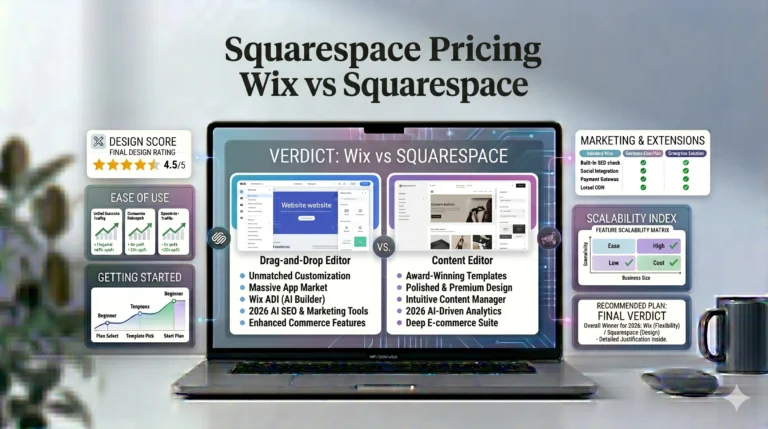
Wix vs Squarespace: Key Differences
Many users compare Wix vs Squarespace when selecting a website builder.
| Feature | Wix | Squarespace |
|---|---|---|
| Editor Style | Drag-and-drop | Structured sections |
| Template Flexibility | Very high | Moderate |
| Beginner Customization | Easier creatively | Easier structurally |
| Templates | Large variety | Smaller but polished |
| App Marketplace | Large | More limited |
| Ecommerce | Flexible | Strong visual commerce |
| Best For | Flexibility | Design consistency |
When Wix May Be Better
Wix may suit:
- Beginners
- Creative websites
- Freelancers
- Flexible layouts
- Small businesses
When Squarespace May Be Better
Squarespace may suit:
- Portfolio creators
- Minimalist brands
- Design-focused businesses
- Users wanting structured editing
Who Should Use Wix?
Wix Is Best For
- First-time website creators
- Freelancers
- Small businesses
- Bloggers
- Creative professionals
- Local businesses
Wix May Not Be Ideal For
- Large enterprise ecommerce stores
- Advanced developers
- Complex custom web applications
Actionable Tips Before Choosing Wix
Test the Free Plan First
Use the free version to understand the editor and workflow before purchasing a premium plan.
Choose Templates Carefully
Since switching templates later is difficult, evaluate:
- Layout structure
- Navigation style
- Mobile responsiveness
before starting.
Keep Design Simple
Clean websites usually perform better than overly animated designs.
Focus on SEO Early
Set up:
- Meta titles
- Descriptions
- Image alt text
- Mobile optimization
before publishing.
Frequently Asked Questions
Is Wix good for beginners?
Yes. Wix is widely considered beginner-friendly because of its visual editing tools and simplified setup process.
Can Wix websites rank on Google?
Yes. Wix includes modern SEO features such as custom metadata, mobile optimization, SSL security, and sitemap generation.
Is Wix better than Squarespace?
It depends on your goals. Wix offers more design flexibility, while Squarespace emphasizes structured and polished layouts.
Does Wix require coding knowledge?
No. Most Wix websites can be created without coding experience.
Is Wix suitable for ecommerce?
Yes. Wix works well for small-to-medium online stores, though very large ecommerce businesses may eventually require more advanced platforms.
Final Verdict
Wix remains one of the most accessible and flexible website builders available for beginners and small businesses. Its drag-and-drop editor, extensive template collection, built-in SEO tools, and app marketplace make it a practical choice for users wanting creative freedom without technical complexity.
However, Wix is not perfect for every situation. Users should also consider:
- Long-term costs
- Template-switching limitations
- Performance optimization
- Scalability needs
For most small businesses, portfolios, blogs, and service websites, Wix provides a balanced combination of usability and customization. Meanwhile, users prioritizing minimalist design consistency may still prefer Squarespace.
Ultimately, the best website builder depends on:
- Technical skill level
- Website goals
- Design preferences
- Budget
- Future growth plans
Evaluating both the strengths and limitations carefully will lead to a more informed and sustainable website-building decision.